
Shale Studio Version 5
One studio for the whole job: write the story, make the video, add captions, post to many platforms and keep an eye on the replies. You approve before anything goes live.
VERSION 5
This is not just AI.This is hyper automation.
Welcome to the AI world.
Idea, script, pictures, voice, video, captions, posting and replies: one studio, one flow. Nothing is posted until you say yes.
From news to a finished video in nine steps
Pick News, and Studio carries the same master prompt through every step. You approve before anything is posted.
Choose a headline, or start from a Story Board or the AI Assistant.
In Studio todayStudio writes one master prompt that every later step follows.
In Studio todayThe story is split into scenes with a picture, a line and a length for each.
In Studio todayAI video, AI pictures, doodle looks or free stock, with your own keys.
In Studio todayHindi or English voice, with voice cleanup for a noisy mic.
In Studio todayColour and style presets; 20 numbered caption styles are coming in V5.
Version 5Thumbnails from your own folder; poster maker for 4:5, 1:1 and 9:16.
In Studio todayNothing goes out until you approve it. Quality checks on prompts, scene plan and captions are coming in V5.
Version 5One finished video to up to 10 places from one screen.
Version 530 video looks
Pick a look before you make a video. All 30 looks are part of Version 5 (V5 Preview, released after final Windows testing). The pictures here are illustrations made to show each look, not frames rendered by Studio, and the caption on each is just one example of the 20 caption styles below. Some looks need your own picture-AI key.
 1
Bright, friendly doodle with confetti and bold captions.
Caption shown: 1. Bold CreatorIn Studio today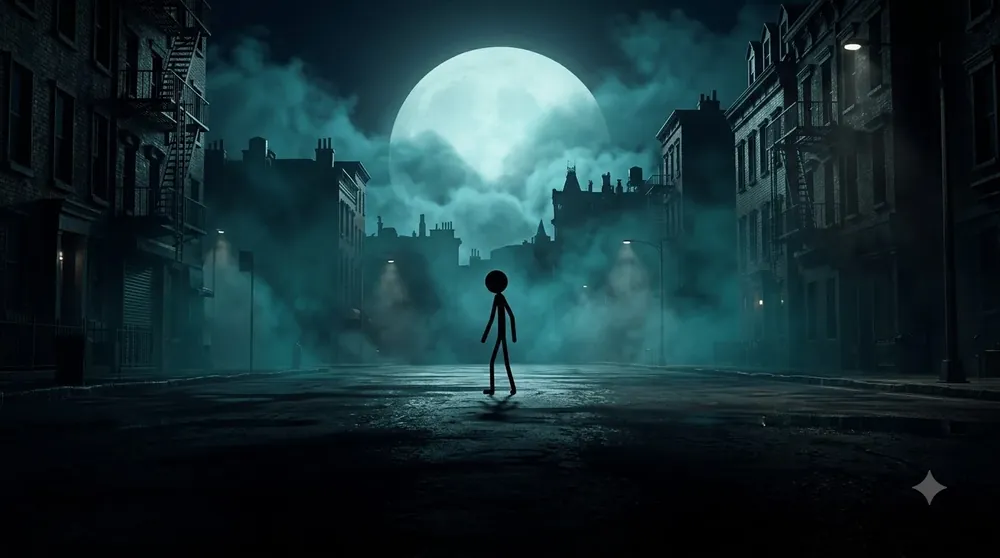 2
Dark, moody film-style silhouette scenes.
Caption shown: 5. Cinema TallIn Studio today 3
Two 3D characters talk to each other. Needs your cast pictures.
Caption shown: 7. Bubble FunIn Studio today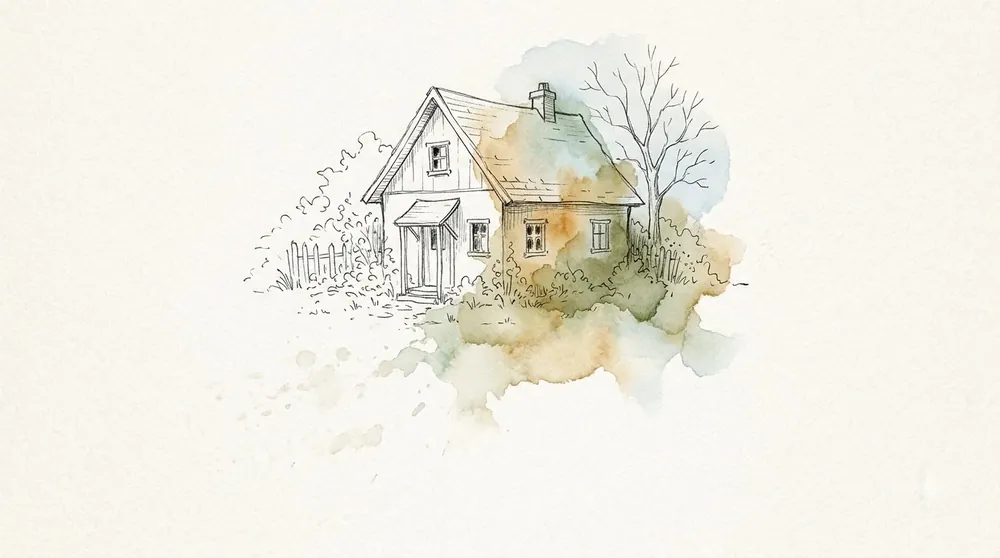 4
A hand draws in ink, then watercolour fills in.
Caption shown: 16. StickerIn Studio today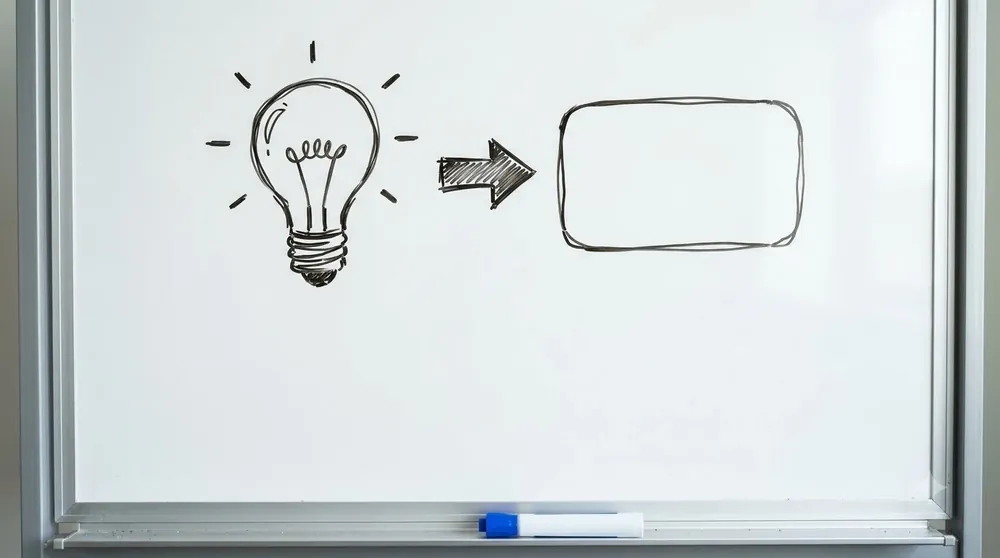 5
Marker drawing on a clean white board.
Caption shown: 2. Yellow BoxIn Studio today 6
White chalk lines on a classroom board.
Caption shown: 20. HighlighterIn Studio today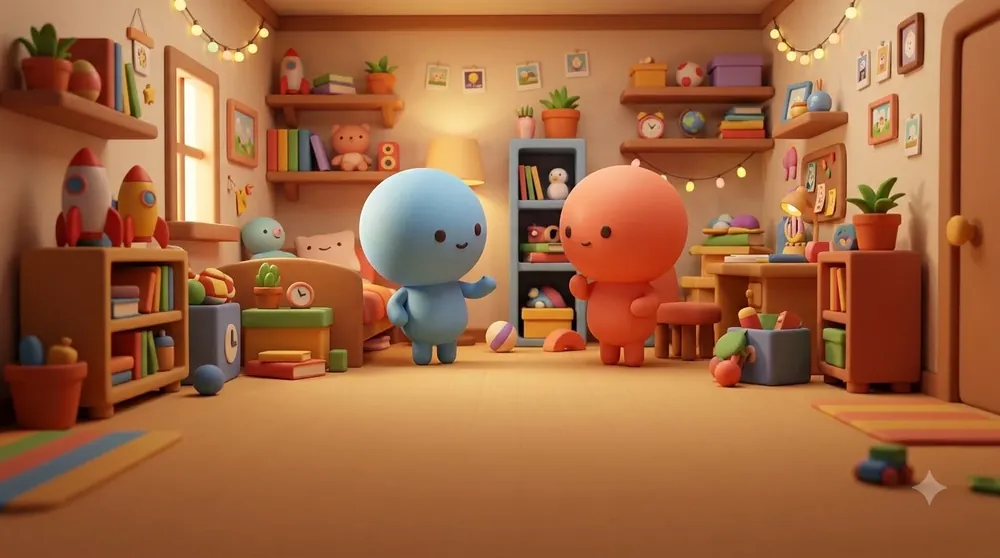 7
Simple 3D toon characters in little prop-filled worlds.
Caption shown: 6. Comic PopIn Studio today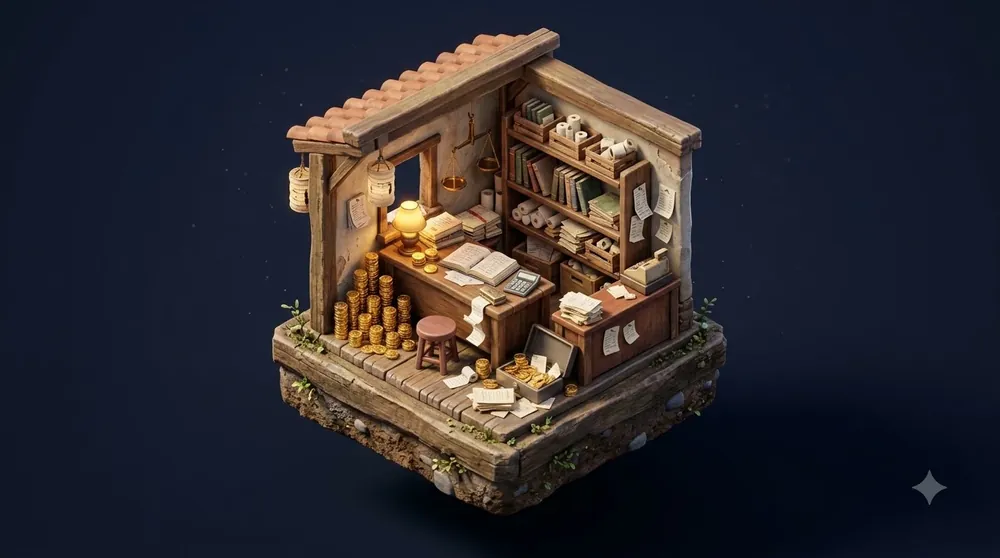 8
Shop scenes, coins and numbers in a tiny 3D world.
Caption shown: 9. Luxury SerifBuilt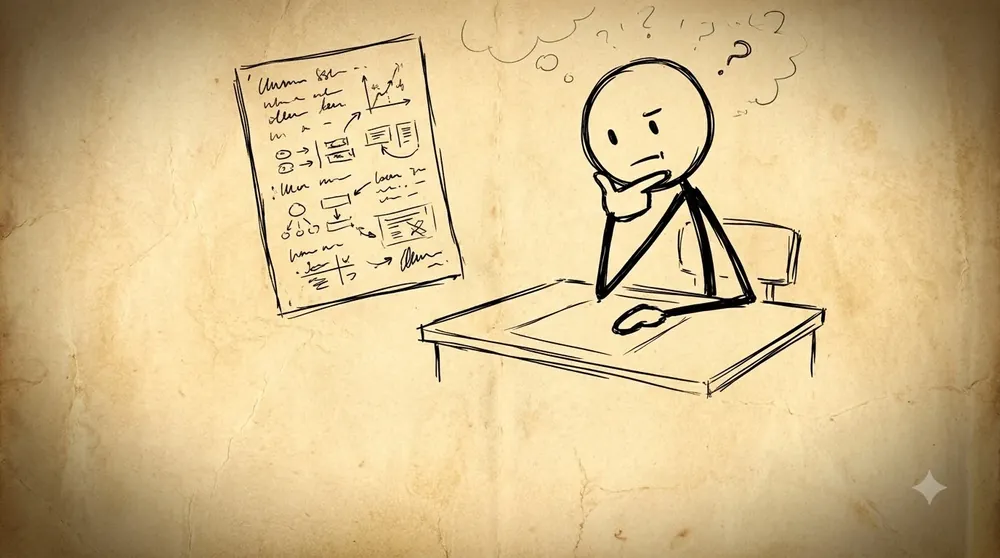 9
Expressive stickman on a parchment canvas.
Caption shown: 12. Stacked BlocksBuilt 10
Two sides of one question, split on the screen.
Caption shown: 3. Red PillBuilt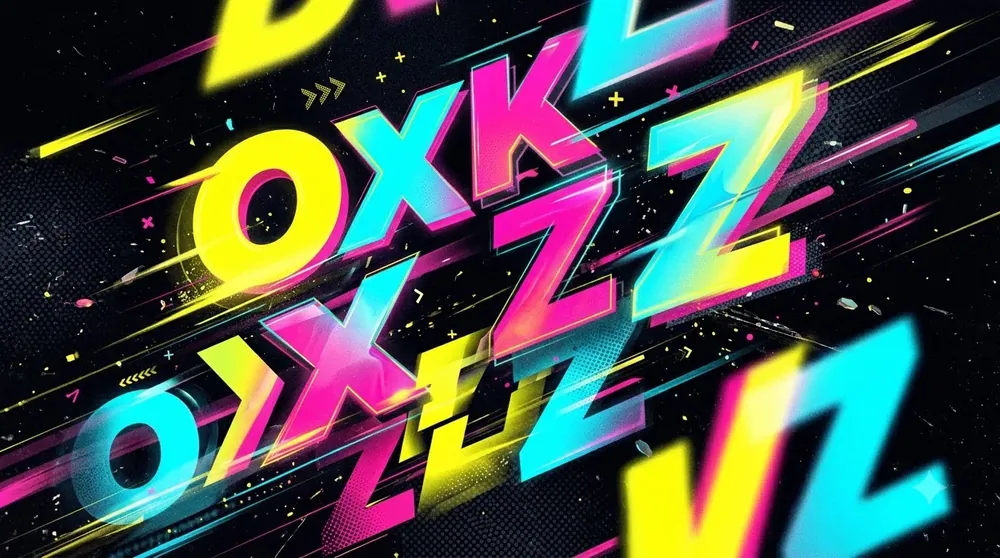 11
Moving words and punchy messages.
Caption shown: 19. Big HookBuilt 12
Explain numbers with animated charts.
Caption shown: 4. Neon GlowBuilt 13
Characters and illustrated places for a story.
Caption shown: 2. Yellow BoxBuilt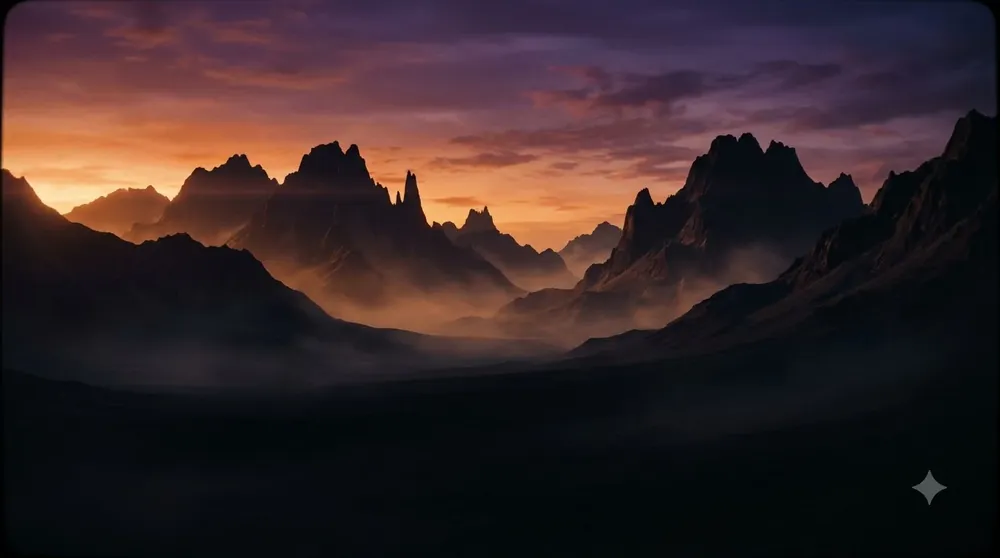 14
Wide, film-like scenes with atmosphere.
Caption shown: 5. Cinema TallBuilt 15
Paper-cut process steps in soft pink.
Caption shown: 3. Red PillIn Version 5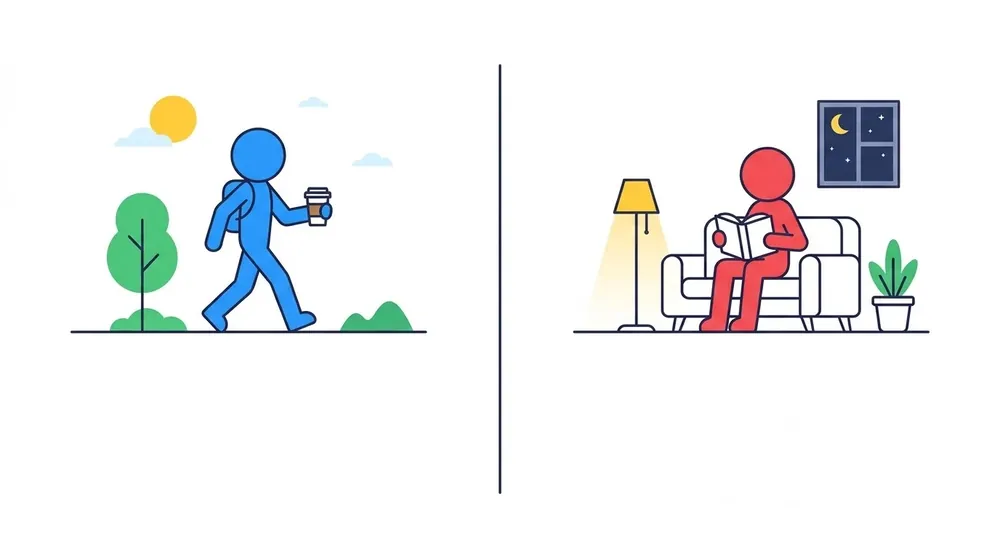 16
Two people, one day, side by side.
Caption shown: 15. News BarIn Version 5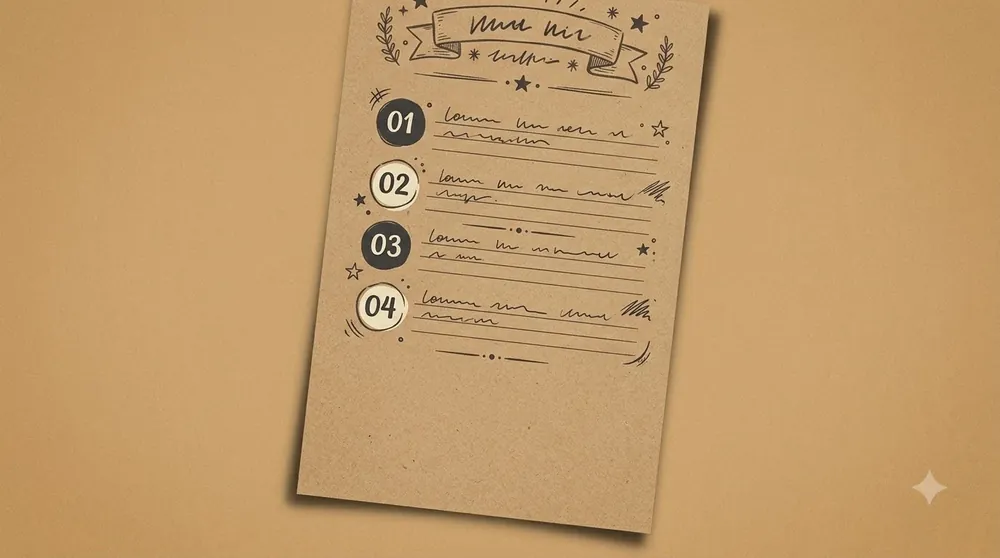 17
A tips poster that reveals point by point.
Caption shown: 16. StickerIn Version 5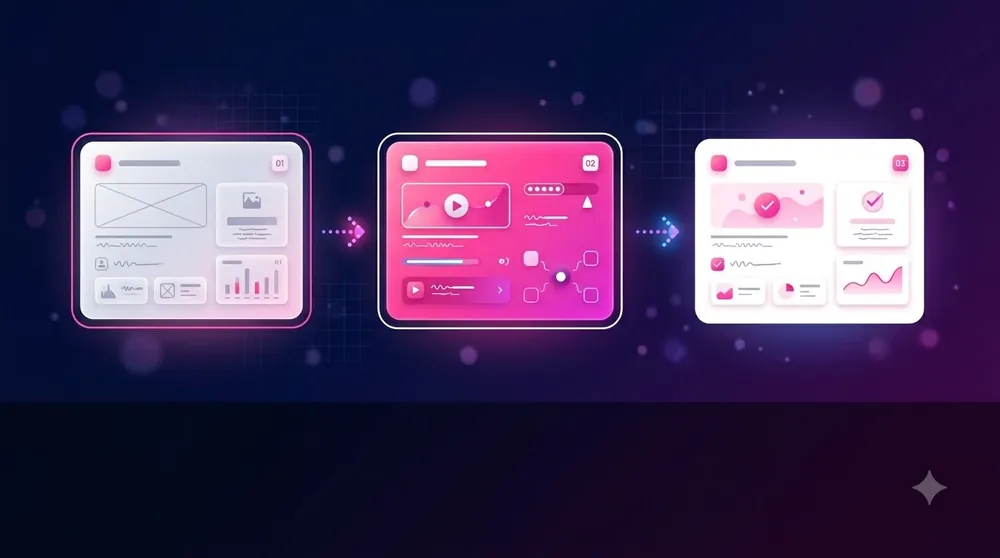 18
Three clean cards that connect into a flow.
Caption shown: 12. Stacked BlocksIn Version 5 19
Candle charts for market stories. Sample data only.
Caption shown: 10. Glass CardIn Version 5 20
Torn paper, tape and data cards.
Caption shown: 16. StickerIn Version 5 21
Two figures under a glowing moon, for parables.
Caption shown: 4. Neon GlowIn Version 5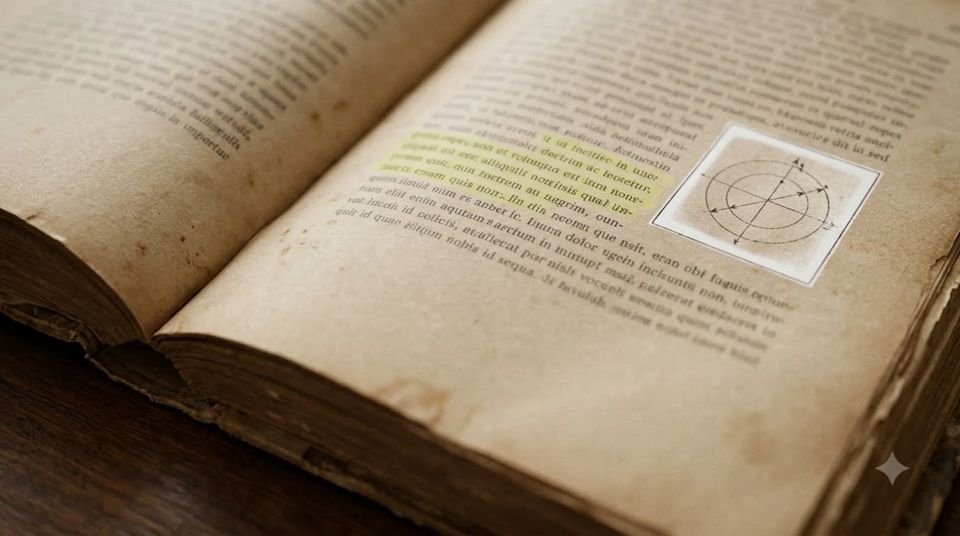 22
An old book with the line being read highlighted.
Caption shown: 2. Yellow BoxIn Version 5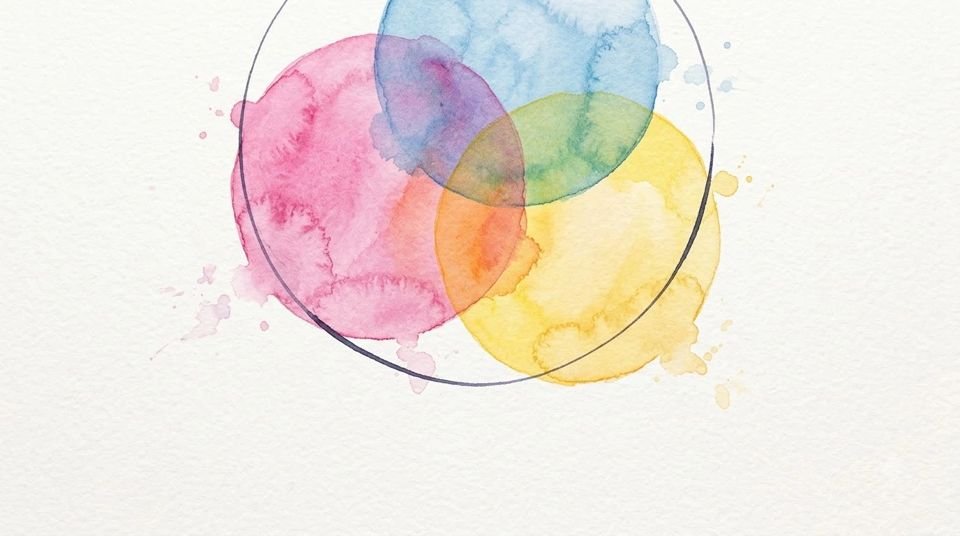 23
Colour blooms across a white page.
Caption shown: 12. Stacked BlocksIn Version 5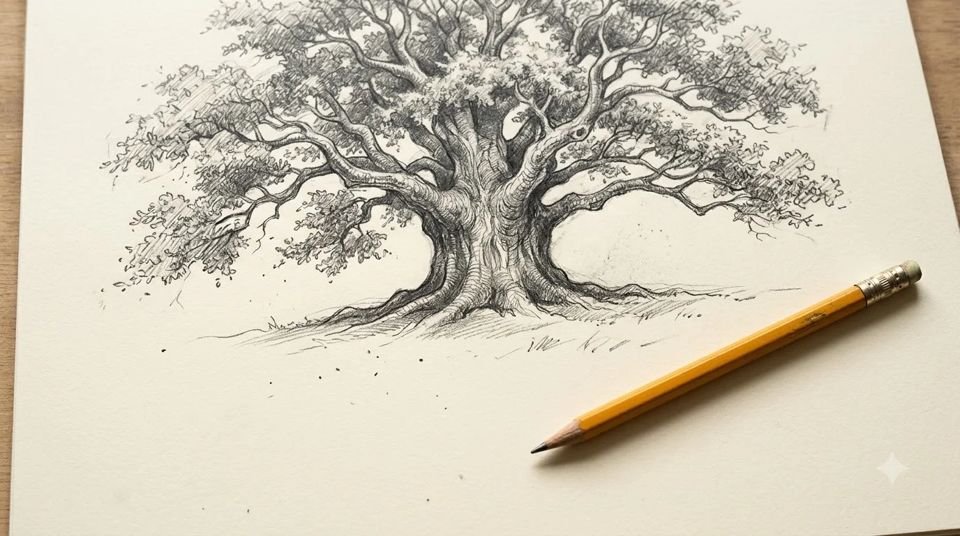 24
Pencil drawing that builds line by line.
Caption shown: 5. Cinema TallIn Version 5 25
Comic starburst with halftone dots.
Caption shown: 6. Comic PopIn Version 5 26
Glowing neon outlines on black.
Caption shown: 4. Neon GlowIn Version 5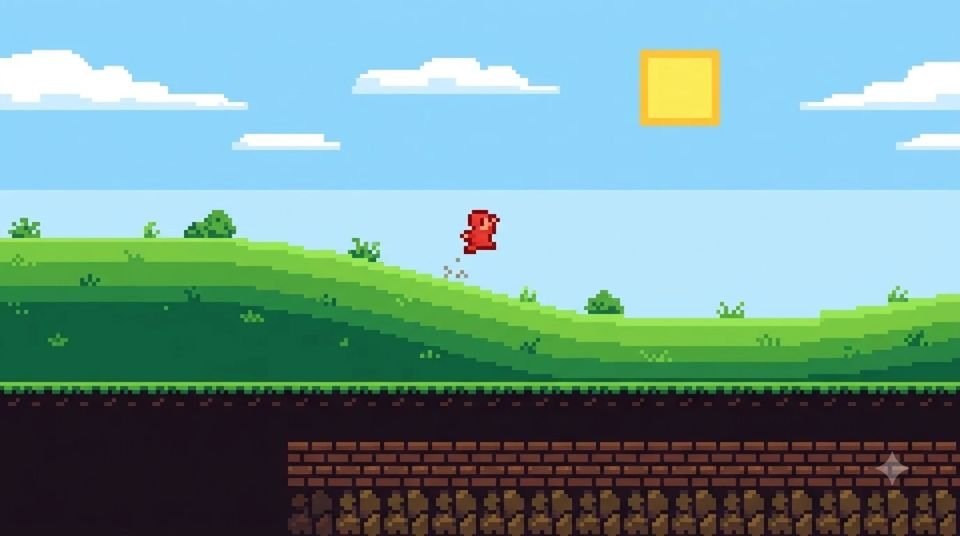 27
Pixel-art scenes from the old game days.
Caption shown: 17. Retro 3DIn Version 5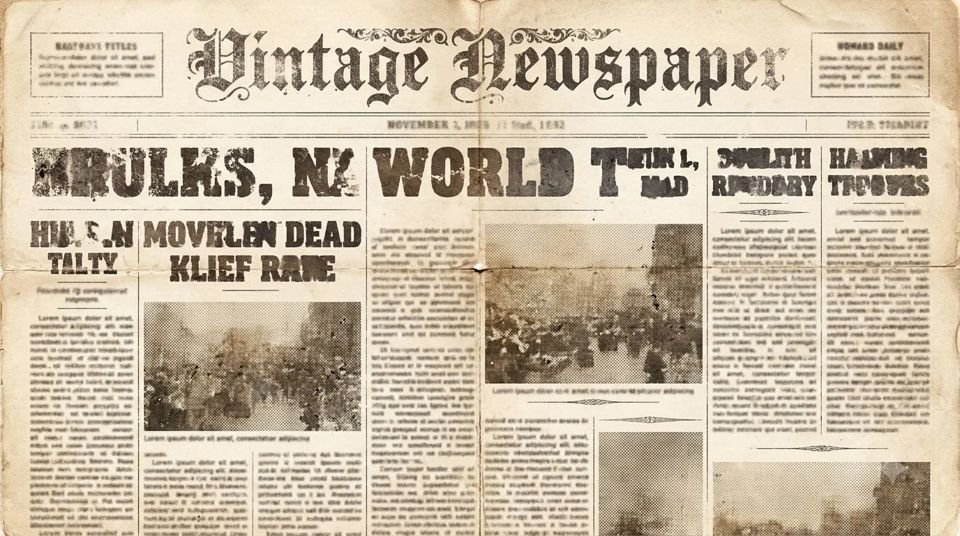 28
An old newspaper front page look.
Caption shown: 15. News BarIn Version 5 29
Technical drawing on blue grid paper.
Caption shown: 2. Yellow BoxIn Version 5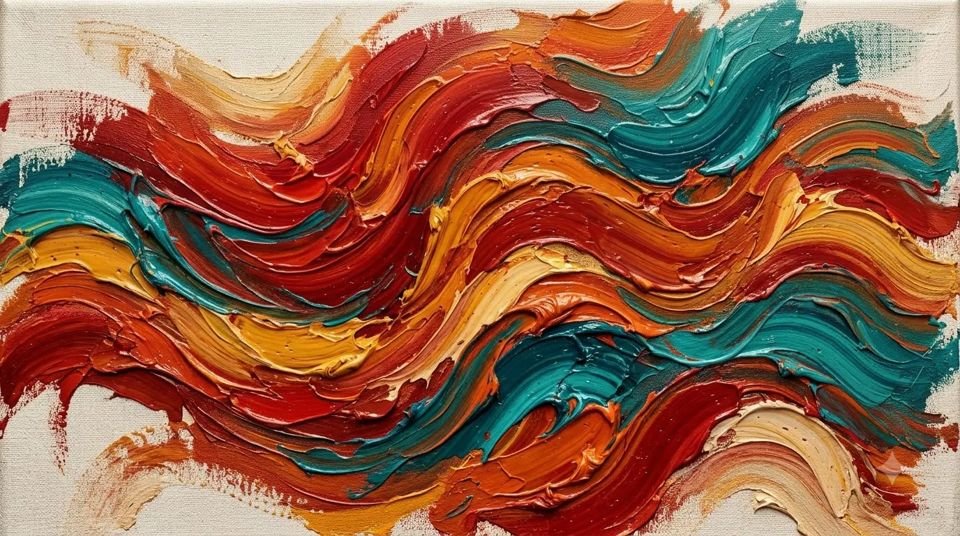 30
Thick brush strokes that sweep across the frame.
Caption shown: 1. Bold CreatorIn Version 5Captions: 12 colour looks, 5 caption styles
Studio burns captions into the video in the look you pick. It refuses a colour mix that would be hard to read and draws a clean white caption instead.
Caption styles 5
Short chunks of 3 to 4 words; the word being spoken lights up.
In Studio todayThe sentence in white on a dark box at the bottom, like a documentary.
In Studio todayTwo or three huge words in the middle with quick cuts.
In Studio todayWhite text with a dark outline and soft shadow; lets the drawing show.
In Studio todayVoice and picture only.
In Studio todayOne-tap presets 5
Colour combinations 12 + make your own
In Version 5: 20 numbered caption styles you can pick by number, and captions made on your own PC for Hindi, English and Hinglish in Roman letters.
20 caption styles
Numbered designs you will be able to pick in one tap. Designs are ready; wiring them into the caption maker is part of Version 5.
In Version 5Connect 63 AI services
Bring your own key; it stays on your PC and is stored encrypted. 12 services already work inside Studio. For the rest, Studio stores your key now and the generate step is being added one service at a time. Each service sets its own price.
Stock footage, photos and meme clips 7
Music and sound effects: laughs, stings, memes 10
Voices and speech-to-text 16
Video: A-roll presenters and B-roll clips 24
Pictures 6
Post to many platforms from one place
Connect your own accounts. Ten platforms have auto-post built; TikTok and Pinterest go live after the platform approves the app; platforms with no posting API get a share-kit.
Your numbers, in one place
See how every video is doing on every platform without opening each app: views, watch time, likes, comments and growth.
Total views, watch time and new subscribers for each channel and each platform, in one place.
BuiltFollowers and subscribers now and over the last 7 days, 28 days, 90 days or all time.
BuiltSpots a video whose views in the last 48 hours beat its usual 48 hours.
BuiltOne row per video; click it to see each platform's numbers side by side.
BuiltFilter by channel, project or platform.
BuiltLikes and comments counted next to the views, so you see what people react to.
BuiltYouTube, Instagram, Facebook, Threads, X and TikTok. Each one needs your own login; some need the platform's approval first.
BuiltShows your YouTube units used today and tells you plainly when a permission or an API is switched off.
BuiltReply bots that stay under your control
Studio reads the comments on your videos, prepares replies and can answer common questions by your rules. Anything sensitive or negative always waits for you.
One screen: what needs you, replies waiting for your approval, and whether auto-send is on, paused or off.
BuiltComments from YouTube and Instagram. The AI suggests a reply, you edit it, you press Send.
BuiltRules for common questions, with a template and your link. Off until you turn them on.
BuiltNegative or sensitive comments are never answered alone; they are put in front of you.
BuiltNever replies to your own comment, never sends the same reply twice to one person, and stays under an hourly limit.
BuiltOne button pauses every bot at once. QA and Test mode keep replies from going out while you try things.
BuiltEvery reply, sent or not, with the reason.
BuiltReplies can carry your channel and YouTube link when a rule asks for it.
Built10 languages
The app screens show full English or full Hindi (Devanagari), never a mix. Eight more languages are in Beta.
10 themes
Change the whole look of Studio in one click.
 Neon
 Film
 Universe
 Robot
 City
 Winter
Watch the Studio demo
These are Version 2 demos. A new Version 3 and Version 5 demo will be added here soon.


Free doodle videos, made with Shale Studio
Doodle videos are free to make in Shale Studio. See what they look like: watch these free on YouTube.


A whole production house, in one app
From idea to publish, everything is in one place: script, scenes, pictures, voice, captions, editing, branding and posting. You can customise a lot, and nothing is posted without your review.
From doodle to cinematic. Pick a look before you make a video.
V5 PreviewNumbered styles you pick in one tap, or turn captions off.
V5 PreviewChange the whole look of Studio in one click.
In Studio todayAdd your own keys. Keys stay encrypted on your PC. Shale sells no credits.
V5 PreviewOne video, one screen, many platforms, after you approve.
V5 PreviewApp screens in full English or full Hindi. More languages are in Beta.
In Studio today36 new V5 creator tools
All of these are Version 5 Preview. They will be released after final Windows testing. We only call something ready once it has been tested.
Save audience, tone, logo, colours, fonts, character references and preferred voices as an editable creator profile.
V5 PreviewReuse a project's structure, pacing, caption treatment and production settings for a new topic.
V5 PreviewCollect final media, subtitles and related files into one organised handoff package.
V5 PreviewInclude the available source and licence information for assets used in an export. Missing proof is not clearance.
V5 PreviewPrepare shorter or alternate-format versions from existing content, with your review.
V5 PreviewSuggest improvements to scripts and storyboards, such as weak openings, repetition and missing calls to action.
V5 PreviewTrack draft, review and approval decisions against the right project or output version.
V5 PreviewHelp keep a character's identity, appearance and assigned voice consistent across scenes.
V5 PreviewReview a sample before committing to a larger generation or render.
V5 PreviewFix a chosen scene, voice segment or asset while keeping approved work as it is.
V5 PreviewPrepare linked campaign versions, formats and supporting assets from an approved project.
V5 PreviewBring media generated by hand in a browser back into the right Studio project and scene. Browser subscription credits do not become API credits.
V5 PreviewMore options for connecting supported services.
V5 PreviewSave unfinished work and continue where you stopped.
V5 PreviewCarry the same project, media and settings across different production areas.
V5 PreviewSet how brand names and special words should sound.
V5 PreviewGuide new users through setup and creation with clearer defaults and next steps.
V5 PreviewSee available performance data from connected sources, with source and freshness. Unknown data is not shown as zero.
V5 PreviewA podcast-oriented content type inside the production workflow.
V5 PreviewChoose in and out points and make individual Shorts from a source video. You choose the clips; Studio does not pick highlights automatically.
V5 PreviewFlag supported clip, overlap, branding and caption issues before export. Checks without the needed data show Not checked.
V5 PreviewPrepare an issue description and optional diagnostics for support.
V5 PreviewAdd optional scene-related sound effects.
V5 PreviewAn option to set up a local voice engine, subject to licence, runtime and Windows checks.
V5 PreviewBack up the workspace before an upgrade.
V5 PreviewCreate locally without needing a connected social account.
V5 PreviewChoose supported Doodle motion and caption treatments, including new motion looks.
V5 PreviewNew panels follow the theme you choose, across the ten app themes.
V5 PreviewNot connected, loading, stale, failed, not enough data and a real zero are shown separately.
V5 PreviewClear information on estimates, limits and resets where supported. An estimate is not a confirmed balance.
V5 PreviewConsent and budget checks before supported paid operations and retries.
V5 PreviewValidation of supported inputs and request-size limits.
V5 PreviewClear cancel, retry and recovery steps, with outputs preserved after an interrupted operation.
V5 PreviewBetter Hindi labels, messages and readable rendering.
V5 PreviewFind photos and videos through supported stock sources, subject to API availability and each asset's licence.
V5 PreviewEstimate the sales or revenue needed to cover the production costs you enter.
V5 PreviewA master prompt for every video
Pick a story and Studio builds one master prompt that follows every later step. Here is the sample structure.
How many still images, how many clips, which format (such as 9:16), and how long the voice-over and final video are.
In Studio todayA timed list of what happens at each second and what to cut.
In Studio todayThe full voice-over script, scene by scene.
In Studio todayYou can download the master prompt from the app and paste it into any AI tool to make pictures and clips.
Real app screens
These are Shale Studio's own screens. New V5 panels plug into this same interface.
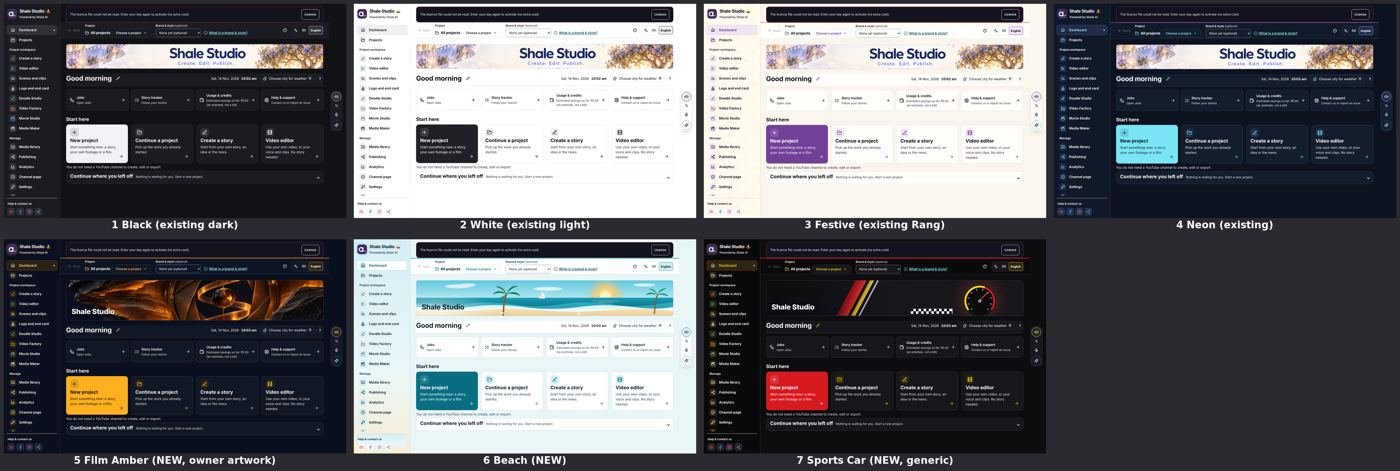 Themes
Change the whole look of Studio in one click: White, Black, Neon, Festive, Film Amber, Universe, AI Robot 2050, Beach, City Sunset and Winter Dawn.
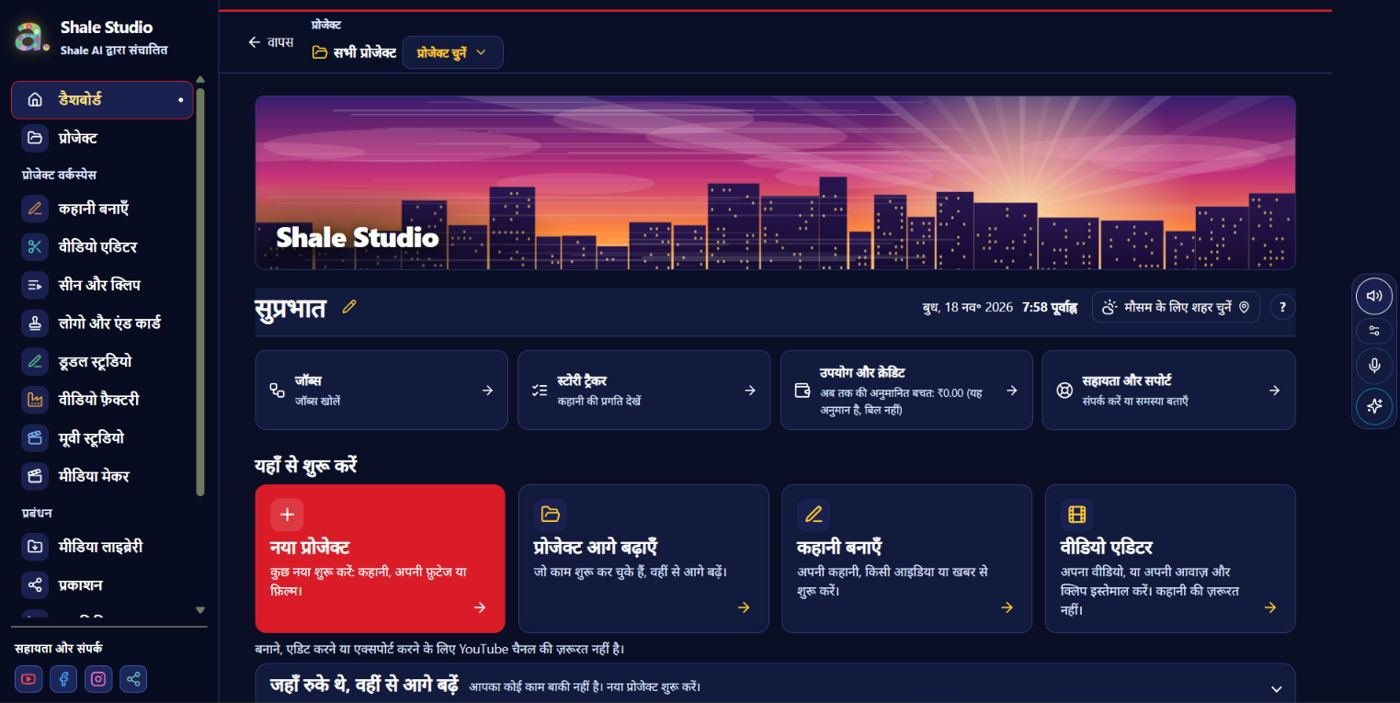 Hindi interface
The whole app also runs in Hindi (full English or full Hindi, never mixed).
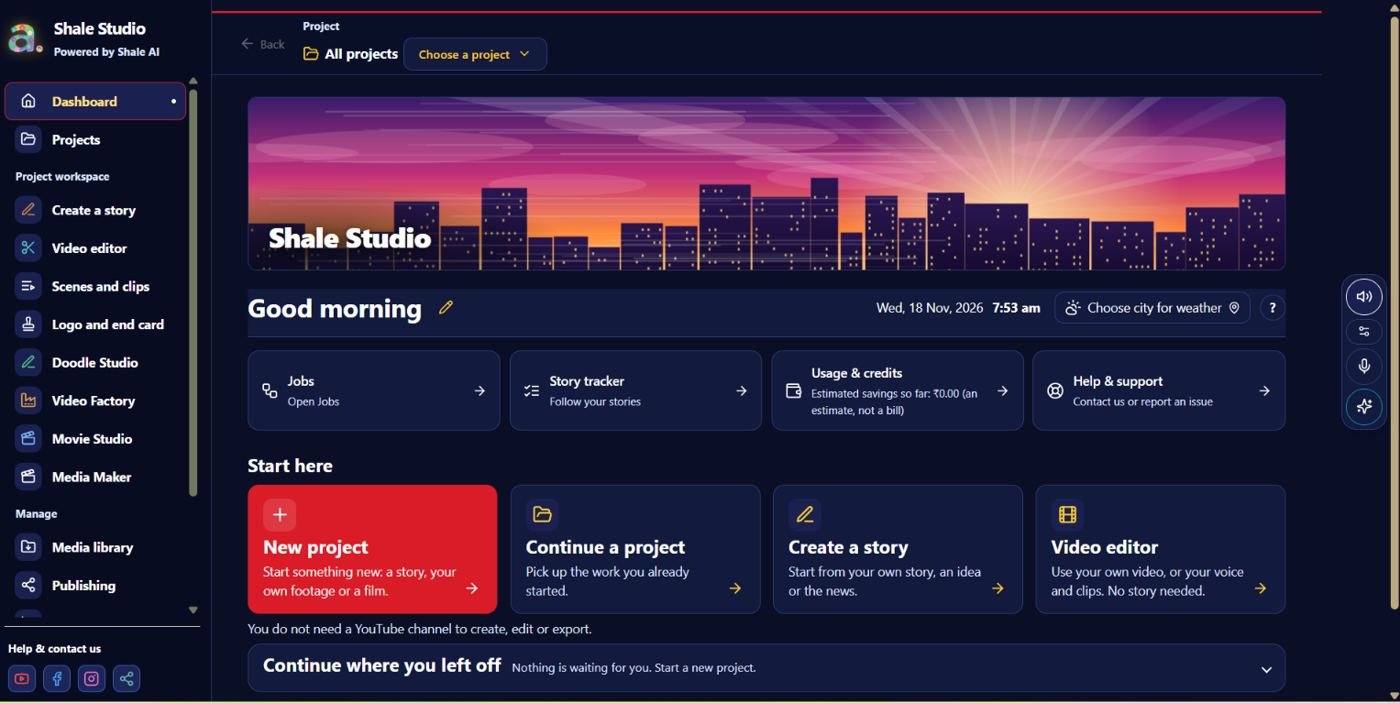 Dashboard (Dark)
Jobs, Story tracker, Usage & credits and New project from one place.
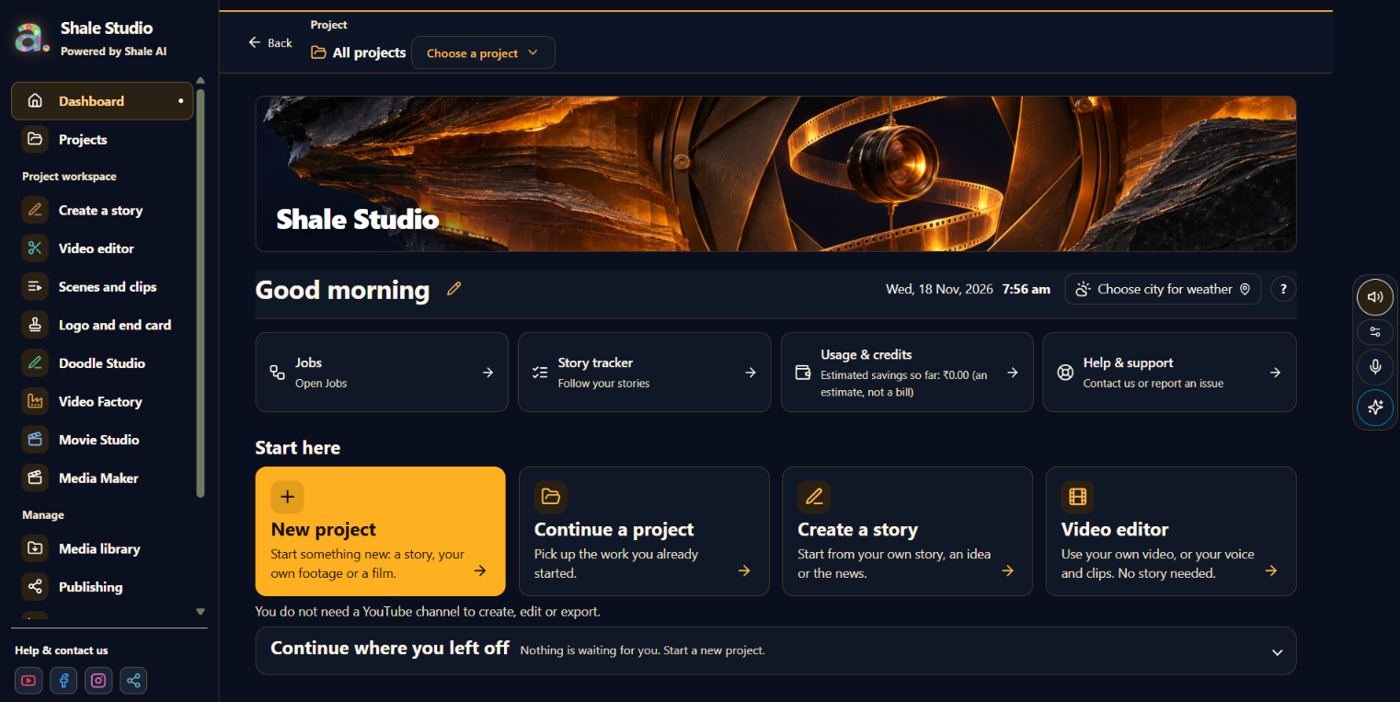 Dashboard (Film Amber)
A film-style theme, same dashboard.
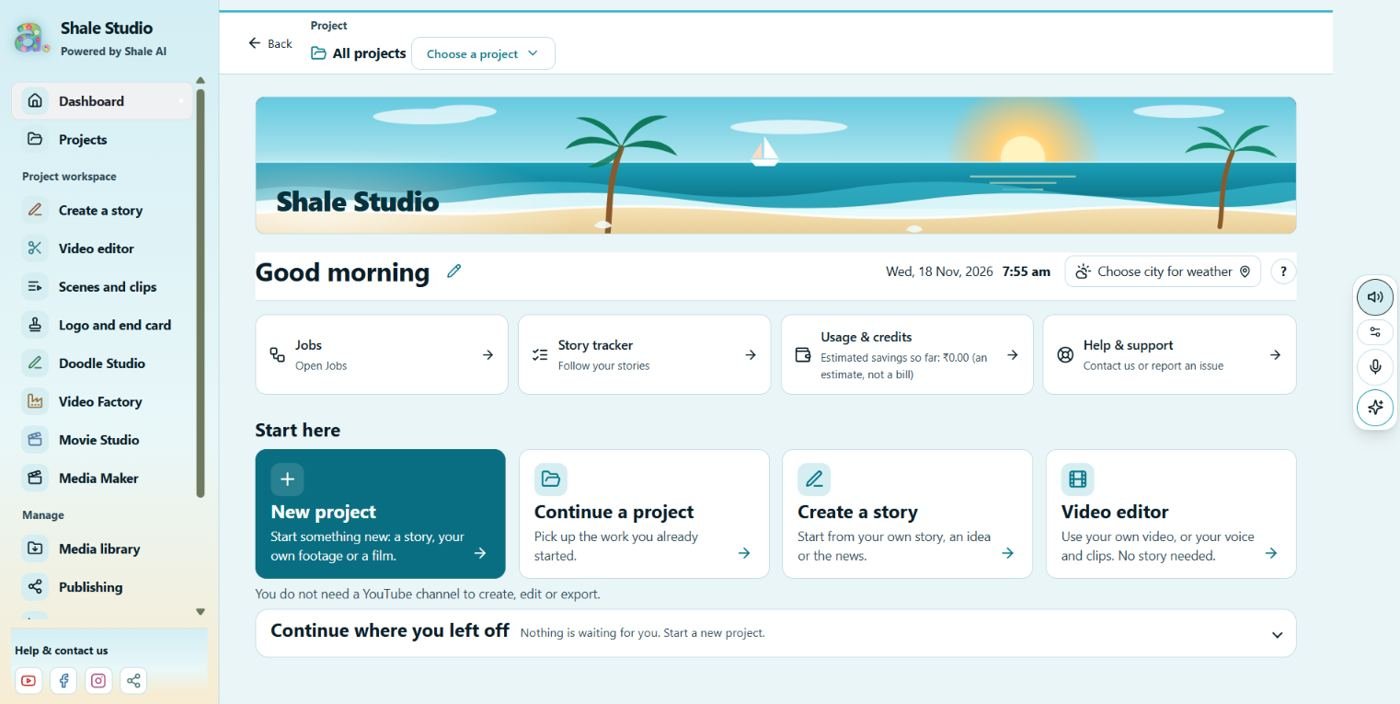 Dashboard (Beach)
A light, open theme.
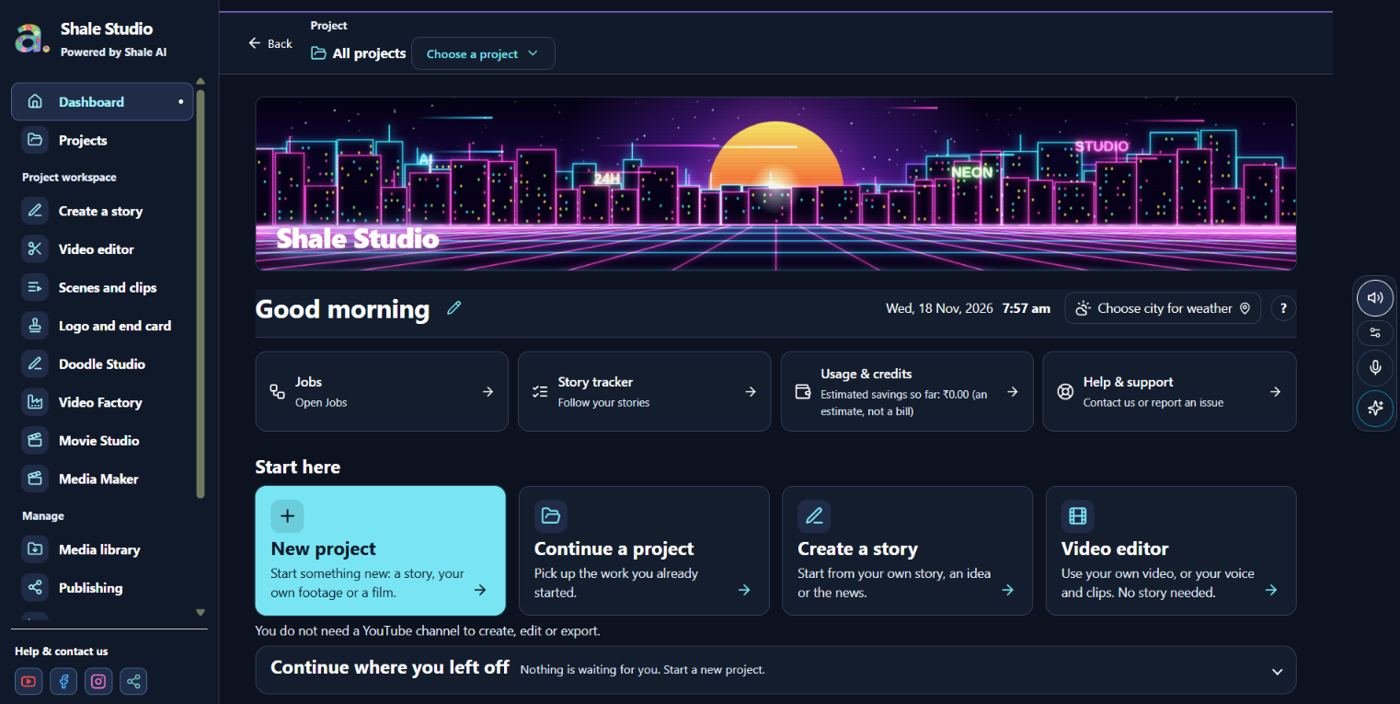 Dashboard (Neon)
A neon theme for late-night work.
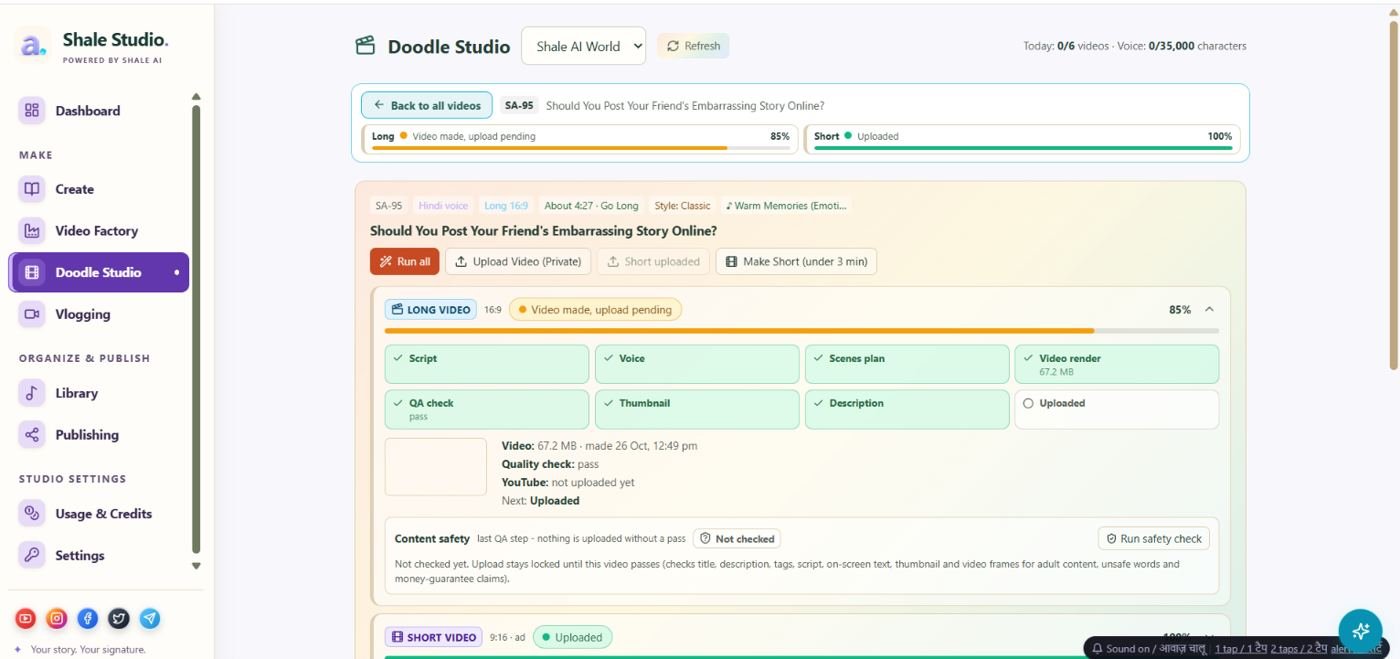 Doodle Studio: one video
Script, voice, scenes, render, QA, thumbnail and description, with the status of every step.
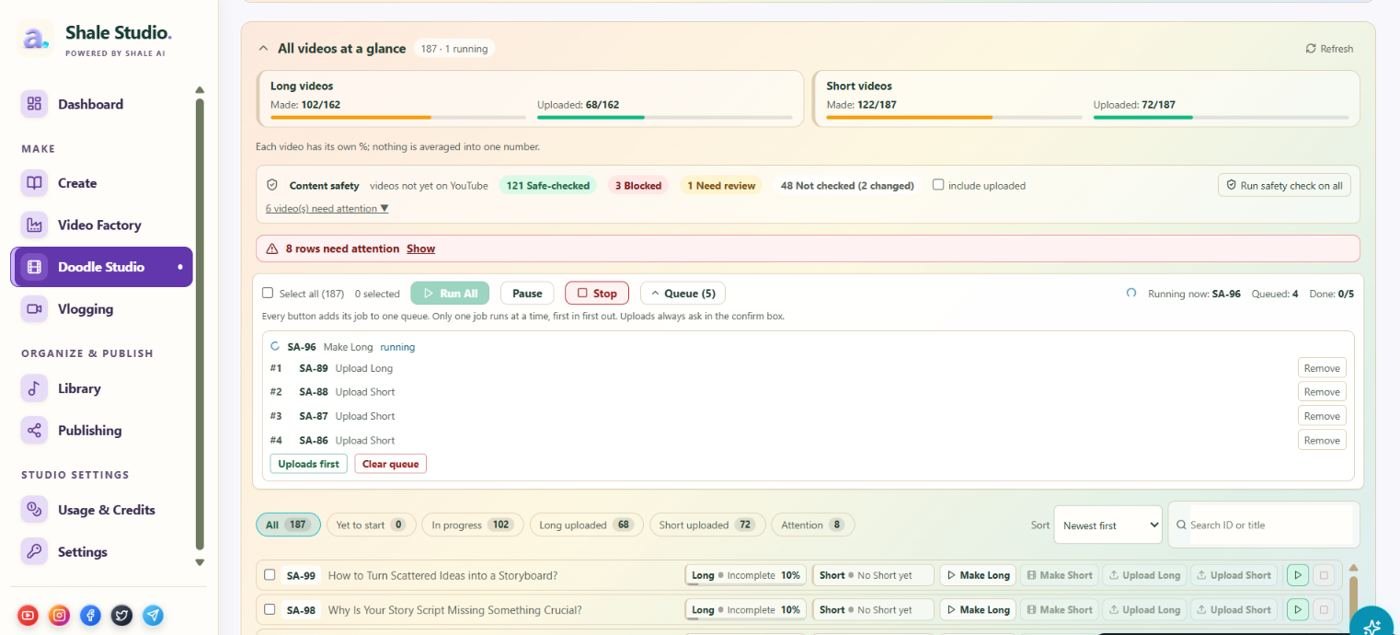 Doodle Studio: all videos
All videos in one place with a queue. Uploads always ask for your confirmation.
Every feature in Version 5
Where each one stands: In Studio today Built In Version 5
Already in Studio today 22
A short overview: what is open, running and waiting.
In Studio todayChat, or turn one idea into many prompts.
In Studio todayLock a channel format, then script to 25-30 images.
In Studio todayTopic, script, voice, video, then a private YouTube upload.
In Studio todayStory to scenes to consistent prompts.
In Studio todayIdea to prompt to media, automatically.
In Studio todayGenerate audio, video and images.
In Studio todayAuto-edit: music, captions and cleanup.
In Studio todayYour own phone videos: auto-clean and edit.
In Studio todayStory to film from AI video clips.
In Studio todayTurn a headline into a video idea. Verify before posting.
In Studio todayPost to Facebook, Instagram and YouTube, with a planner and reminders.
In Studio todayUpload music, sound effects, B-roll and images, with their licence.
In Studio todayEvery story and its stage, from idea to posting.
In Studio todayFree-tier limits and the generation router that spends free credits first.
In Studio todayWhat is being made, what is stuck and why.
In Studio todayConfirm the channel once: its links, tags, intro and outro.
In Studio todayMatch a voice to scenes and bring in clips from a folder.
In Studio todayAdd, move, resize or remove your logo, watermark and end card.
In Studio todaySetup, workflows and a guide to every tab.
In Studio todayContact us or report a problem.
In Studio todayYour licence, updates and our other products.
In Studio todayVoice 13
Four one-click presets: phone mic, laptop mic, echo room and fan hum. Reduces echo and hum; it cannot remove all noise.
BuiltHear the original and the cleaned voice side by side, and hear what was removed.
In Version 5An optional heavier noise remover for very bad recordings.
In Version 5Finds mains hum and removes it with one tap.
In Version 5Loudness to the standard for online video, and music that dips under your voice.
In Studio todayFinds "um" and long pauses and cuts them. You approve every cut.
In Version 5Ten seconds of speaking tells you if your mic is good enough.
In Version 5Removes mouth clicks and crackle.
In Version 5Make a voice from your own recording, with a consent step so nobody can clone someone else.
In Version 5Fixes how English words sound inside a Hindi voice-over.
In Version 5Re-speak one sentence in the cloned voice without redoing the whole video.
In Version 5A simple score for noise, loudness and clarity.
In Version 5One video, voice-overs in several languages.
In Version 5Captions and editing 9
Pick a style by number, or turn captions off. 12 ready colour combinations plus 5 styles already work in Sketch, 3D Cartoon and the editor.
In Version 5Captions made on your own PC from your voice, including Hinglish in Roman letters.
In Version 5Delete words from the text and the video follows.
In Version 5Gentle zooms on key moments to keep viewers watching.
In Version 5Turn a wide video into a vertical one that keeps the face in frame.
In Version 5Export captions in other languages.
In Version 5Three more camera-motion looks for stills (looks 15 to 17).
BuiltChapters and a ready description written from your transcript.
In Version 5Try several opening lines and pick the strongest.
In Version 5Media 4
Search Pexels and Pixabay inside Studio, with the licence shown next to every clip. You bring your own free key.
BuiltStudio suggests stock clips that fit each scene.
In Version 5Laughs, stings and meme sounds that are free to use, with licence checked.
In Version 5Your colours, fonts, logo and watermark applied everywhere.
In Version 5Connections 10
Video, pictures, voices, music and sound effects from many providers. Bring your own key; it stays on your PC.
BuiltYouTube, Facebook Pages, Instagram, Threads, X, LinkedIn, Telegram, Discord, Bluesky and Mastodon.
BuiltFive more open platforms.
In Version 5Where a platform has no posting API, Studio opens its page with title and tags ready.
In Version 5Choose the time; Studio posts for you. Today it is a planner and reminder.
In Version 5A step-by-step check that tells you exactly what is wrong with a connection.
In Version 5Warns before you hit a platform's daily limit.
In Version 5See exactly what will be posted before it goes out.
In Version 5One set of titles, descriptions and tags written for each platform.
In Version 5Test two thumbnails.
In Version 5Safety and honesty 6
Checks a video against platform rules on repetitive or reused content before you post.
In Version 5Reminds you where a platform wants an AI label. It is not legal advice.
In Version 5A record of where every picture, clip and sound came from and under which licence.
In Version 5Warns when a track may be copyrighted.
In Version 5Detects content credentials and can add an AI-generated badge.
In Version 5Checks your prompts, scene plan and captions before credits are spent.
In Version 5Control and cost 7
Reply drafts wait for your approval, with one Stop all bots button.
BuiltRewrites a rough prompt into a clear one so you spend fewer credits.
In Version 5Only have Gemini, Claude or ChatGPT? Studio routes every step to the AI you have.
In Version 5See what each video cost and when it pays for itself.
In Version 5Enter your plan and renewal date; Studio reminds you.
In Version 5Keep track of sponsor deals and invoices.
In Version 5One file holds your projects and settings. Keys and licence are never put inside it.
BuiltEveryday 11
English and Hindi complete, eight more in Beta.
BuiltDrop a file in Inbox and Studio picks it up; finished work appears in Outbox.
BuiltShows disk, memory, Windows version and which keys are set, and warns before a render if the disk is low.
BuiltPrepares an email draft with passwords and keys removed. Studio never sends it by itself.
BuiltPosters in 4:5, 1:1 and 9:16, with standard lines such as an AI-generated note.
BuiltTells you a new version is out and never touches your work.
BuiltWhat to do today on one screen.
In Version 5Walks a new user through the first video.
In Version 5A shelf of ready templates.
In Version 5Export a project package and open it on another PC.
In Version 5Studio prepares drafts every day; you approve them.
In Version 5Also planned 6
Make video clips with Gemini Omni using your own key.
In Version 5Turn spoken audio into text with Gemini, for captions and scripts.
In Version 5A record kept on your PC of what each Gemini call used, so you can watch your own spend.
In Version 5One bundle per channel: its caption look, thumbnails, tags and posting settings kept together.
In Version 5Small tiles on the home screen for today's jobs, numbers and reminders.
In Version 5A version of Studio shaped for single creators.
In Version 5Before you buy
You download Version 3 today. Version 5 is in Preview; once it passes final Windows testing it arrives as a free update.
Shale Studio runs on a Windows 64-bit PC. Mac is coming soon. Open this page on your PC to buy and install. Your licence key arrives by email.
Doodle videos are free to make in Studio. Voice, AI pictures and AI video use your own accounts with those services, and they bill you directly. Studio shows an estimate before any paid step. Shale sells no credits.
One-time payment, lifetime licence for one Windows PC. You get one year of updates. After that the app keeps working, but new updates stop.
Questions before you buy, or trouble with download, activation or payment: WhatsApp +91 84829 82059, the Telegram support bot, or support@shaleaiworld.in.
You can send a refund request within 7 days. Read the refund policy and use the request form on the refund page.
Ask before you buy.
Get Shale Studio today
One-time licence for one Windows PC. Launch offer: ₹9,999 / US$99 for the first 10,000 new customers. Version 5 has no separate price: it is a free update for everyone using Shale Studio. Exact price on the buy page.
Get Shale Studio