 Powered by Shale AI
SHALE
STUDIO
Type an idea. Get a finished video — script, AI visuals, voice, captions and thumbnail — then publish after your review. All on your own Windows PC.
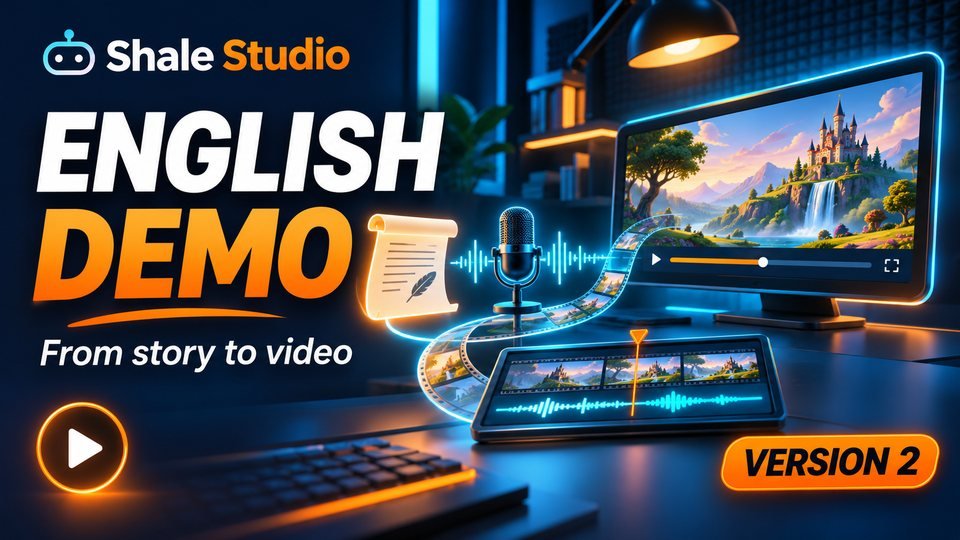
Watch the Studio demo
The Version 3 overview is above. The videos below are older Version 2 demos. A Version 3 live demo is coming soon, and Version 5 is still in development.
Version 3 overview
This is an overview, not a live demo. It shows how each screen and tab of Version 3 looks.
Free doodle videos, made with Shale Studio
Doodle videos are free to make in Shale Studio. See what they look like: watch these free on YouTube.


30 looks. Doodle looks
render free on your PC.
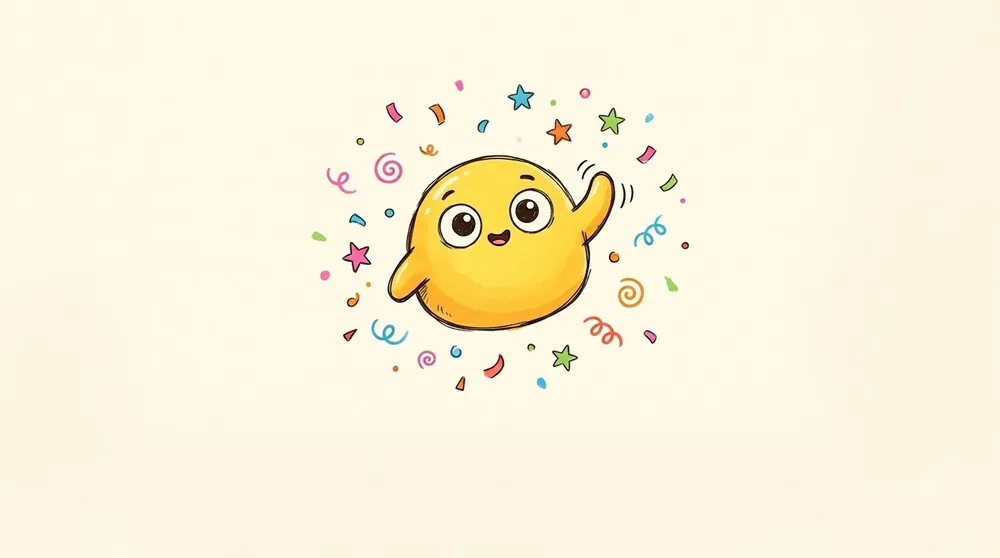
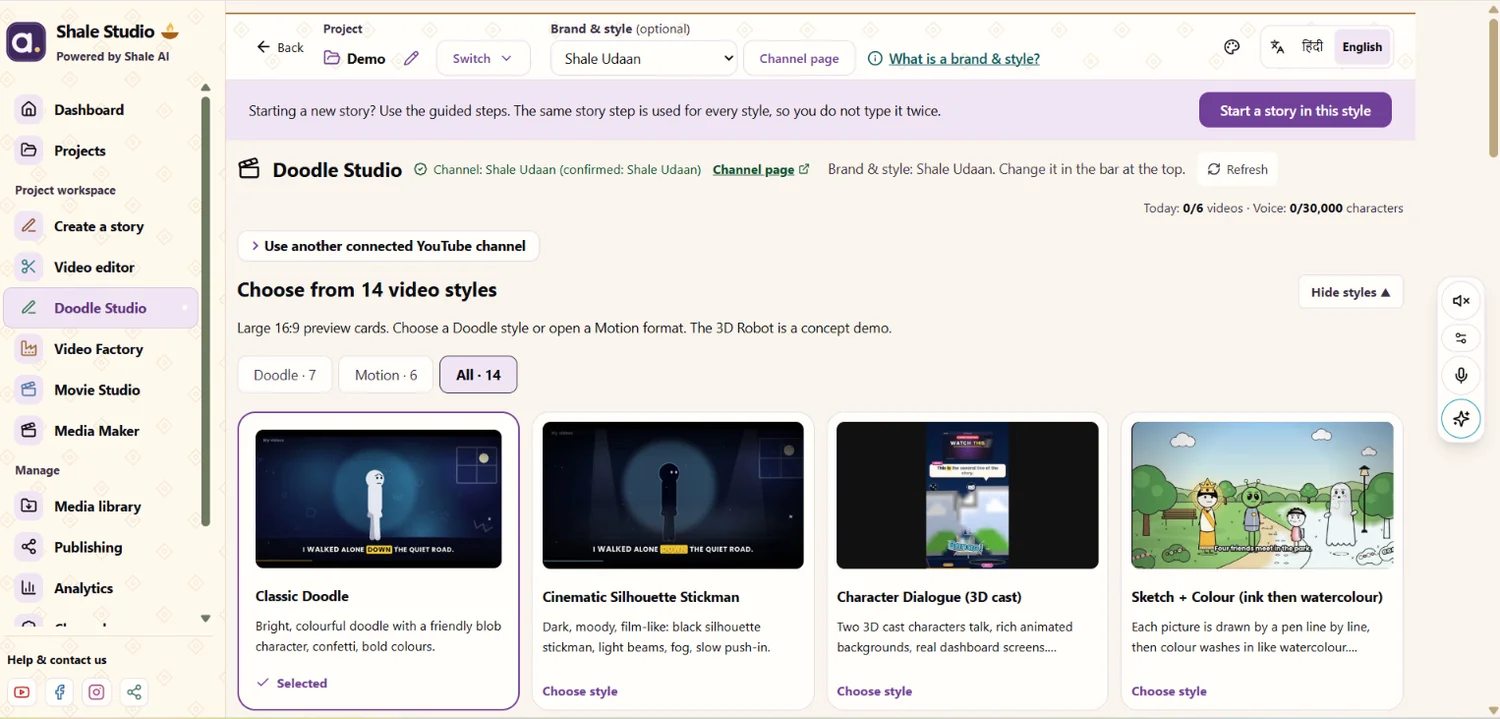
Classic doodle, whiteboard, chalkboard, stickman, kids' stories, 3D toon, comic, neon and more. Doodle looks need no paid AI video credits. The pictures are illustrations that show each look.
What you get today: 7 looks are in Studio now, 7 more are built, 4 arrive in Version 5 and 12 in later updates. Every card below is labelled.
 1
Classic Doodle
In Studio today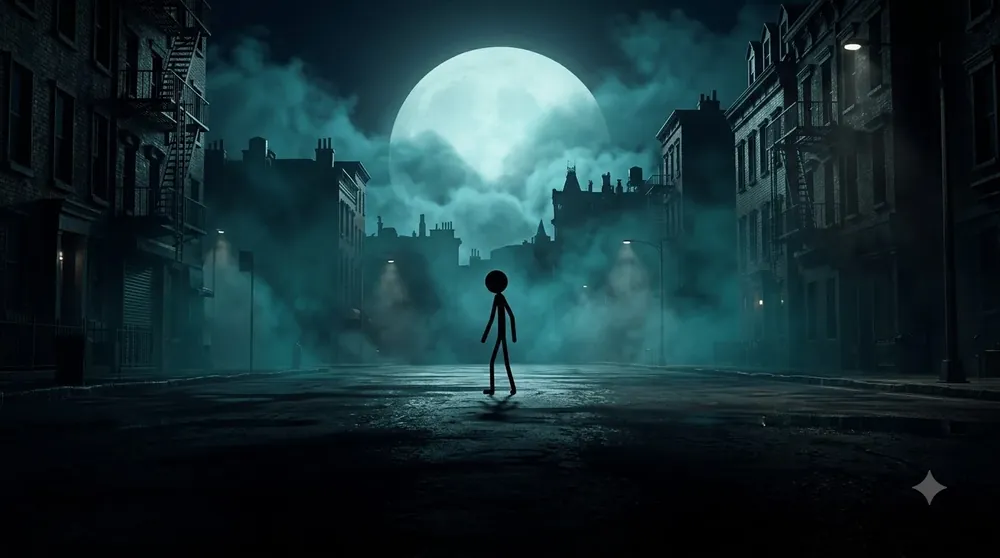 2
Silhouette Noir
In Studio today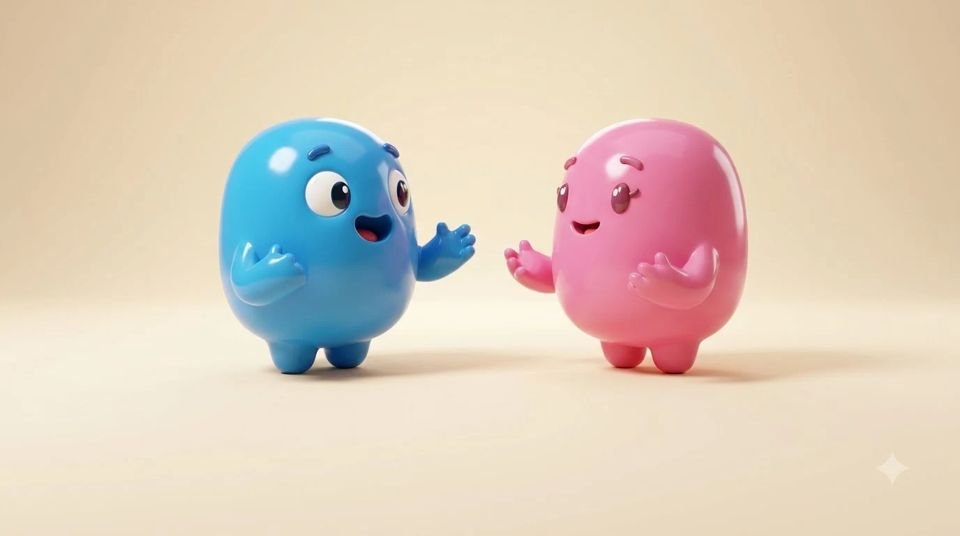 3
Character Talk 3D
In Studio today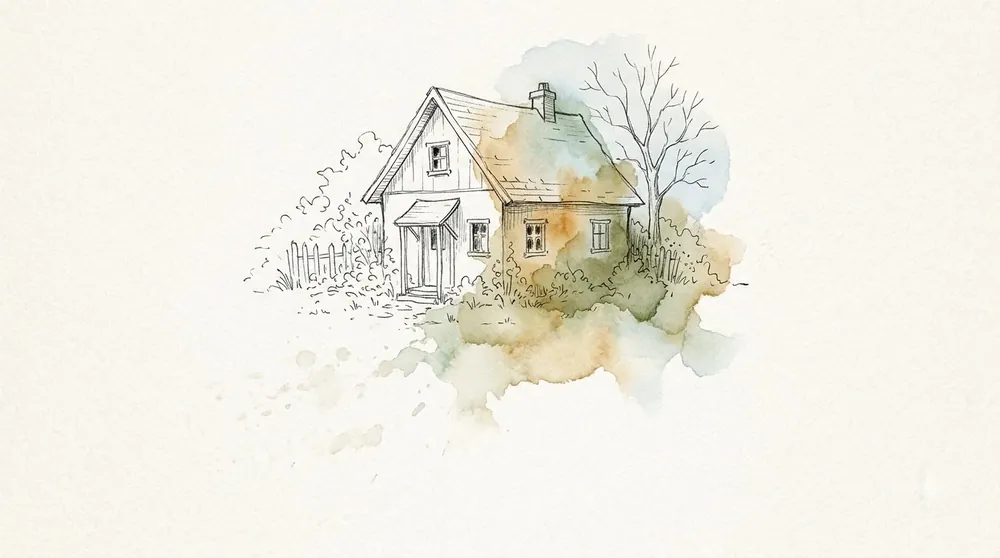 4
Ink + Colour Wash
In Studio today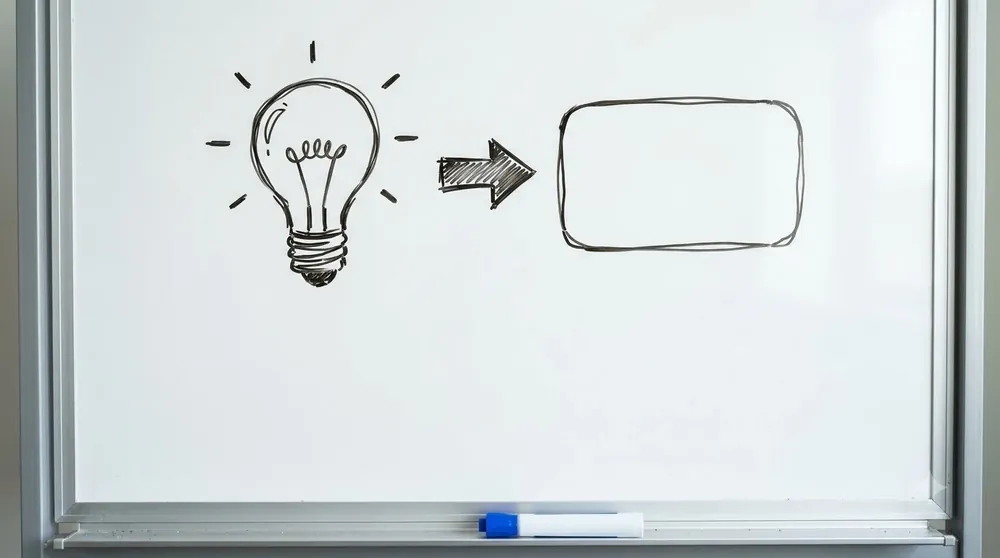 5
Whiteboard Marker
In Studio today 6
Chalkboard Class
In Studio today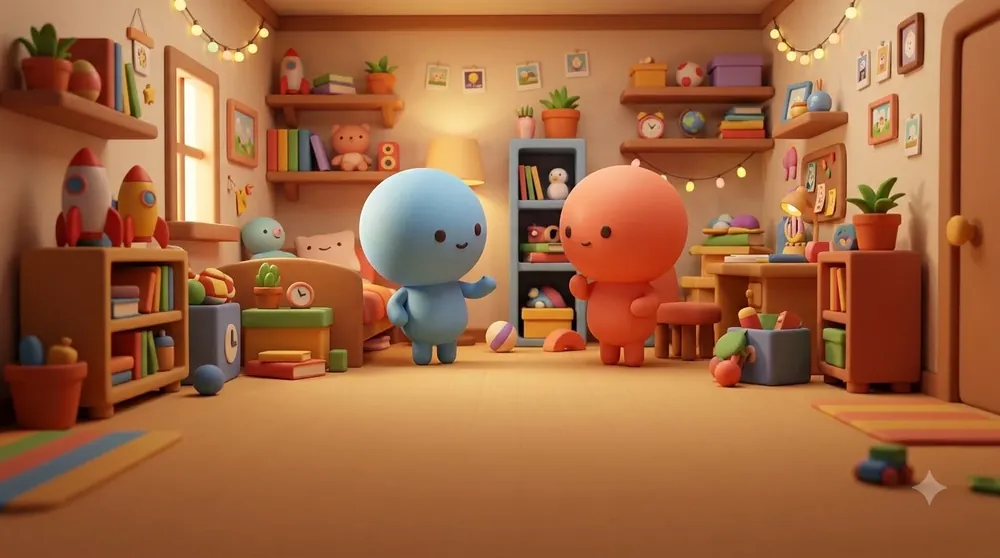 7
3D Toon Cartoon
In Studio today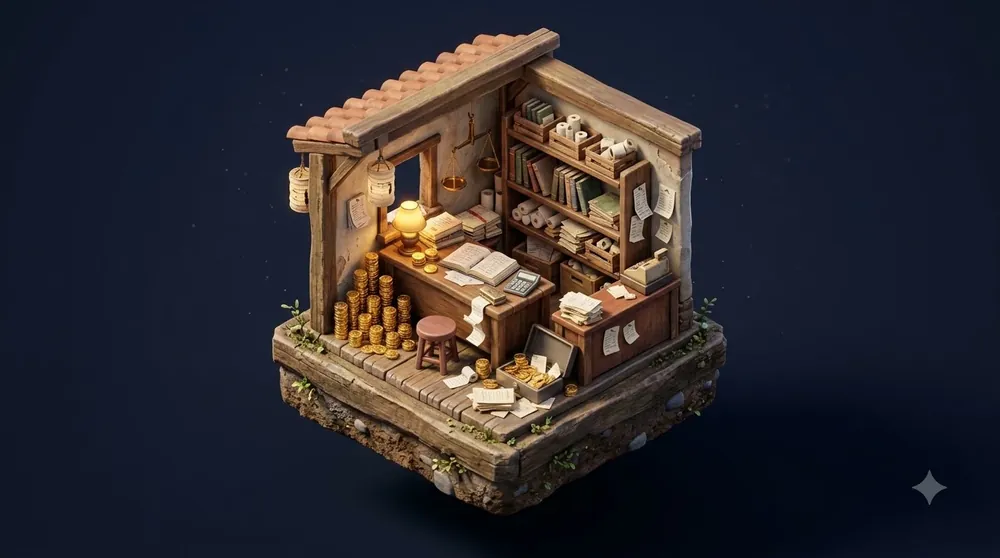 8
3D Hisaab Diorama
Built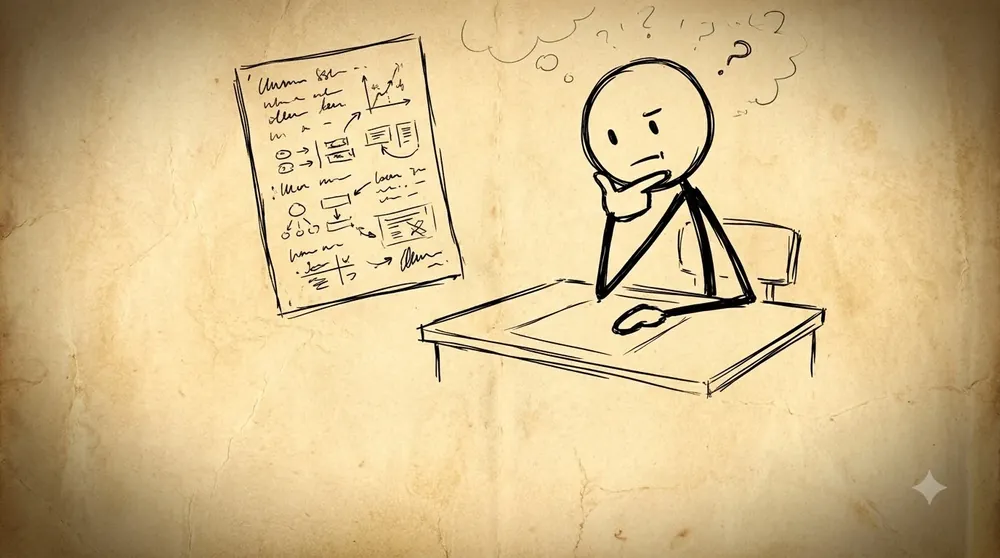 9
Parchment Stickman
Built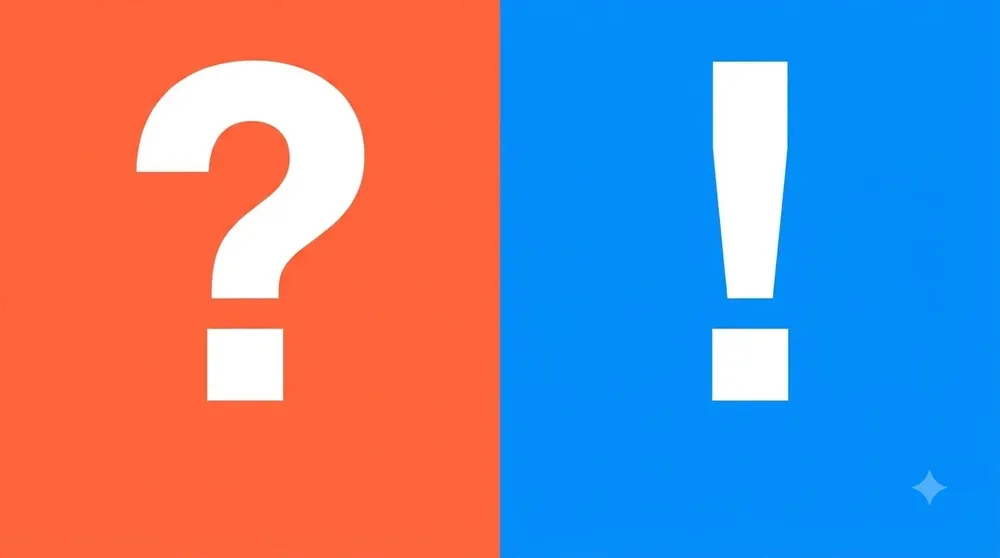 10
What-If Split
Built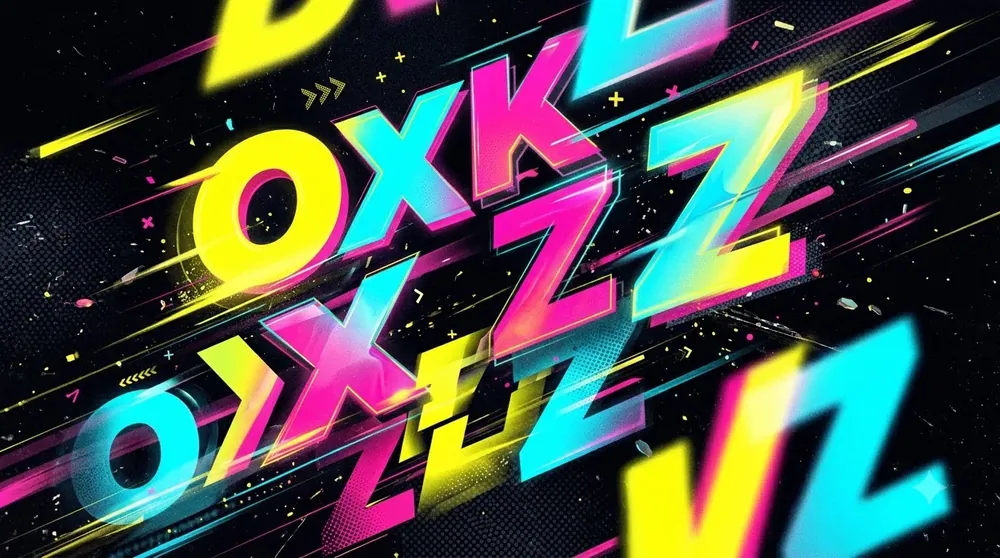 11
Kinetic Words
Built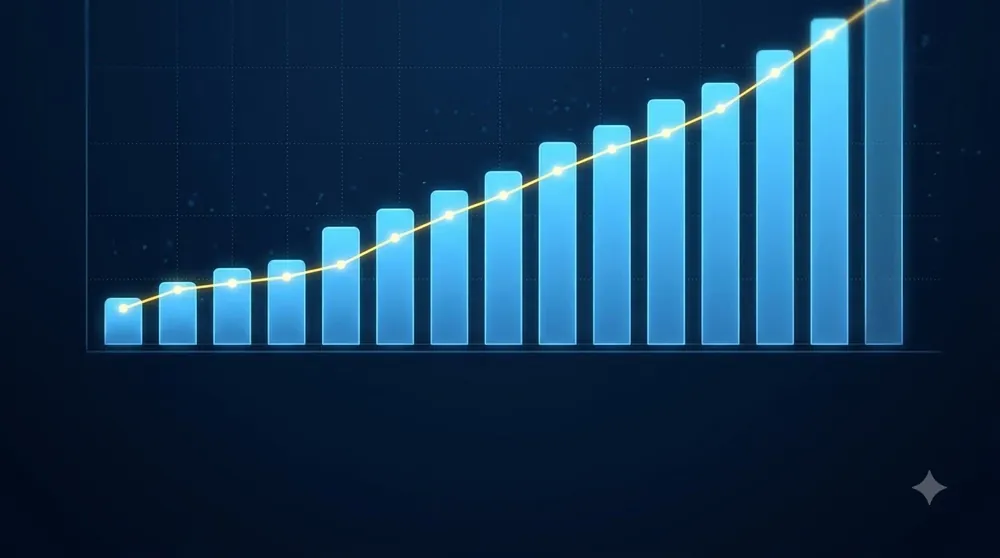 12
Chart Explainer
Built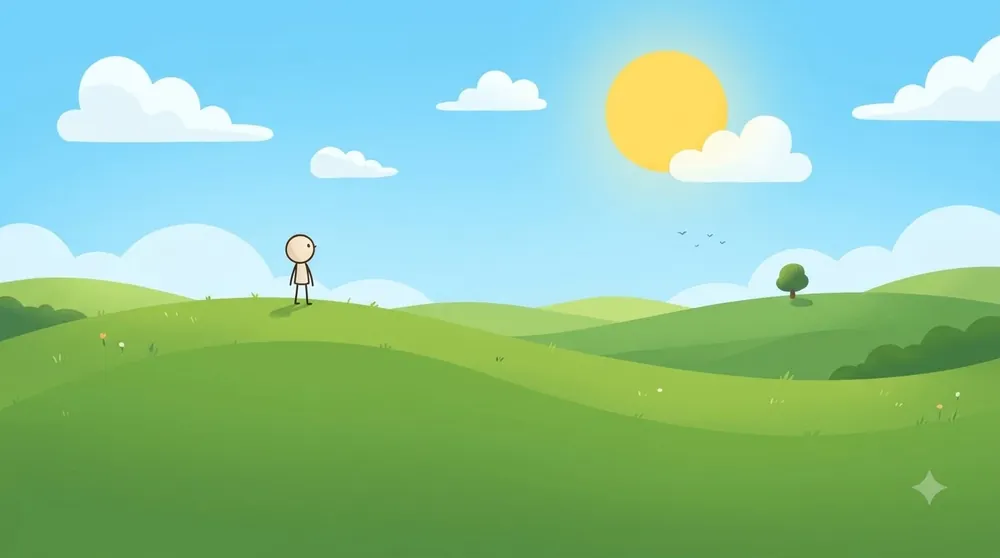 13
Story Scenes
Built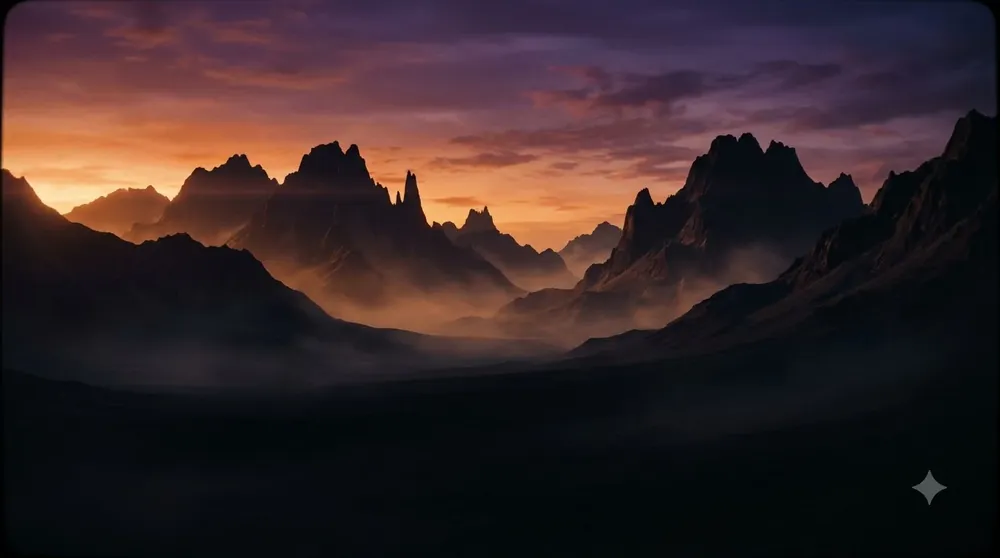 14
Cinematic Scenes
Built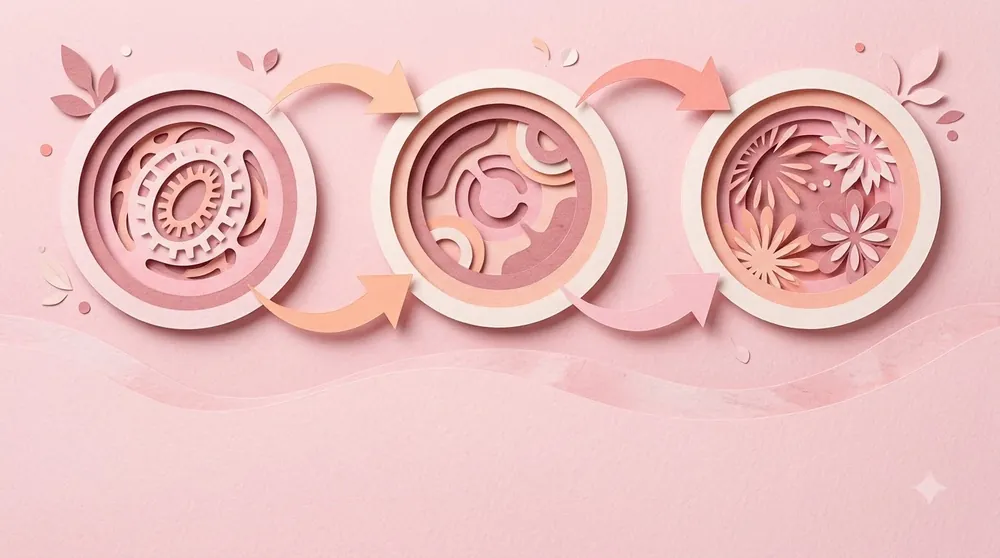 15
Pink Paper Explainer
In Version 5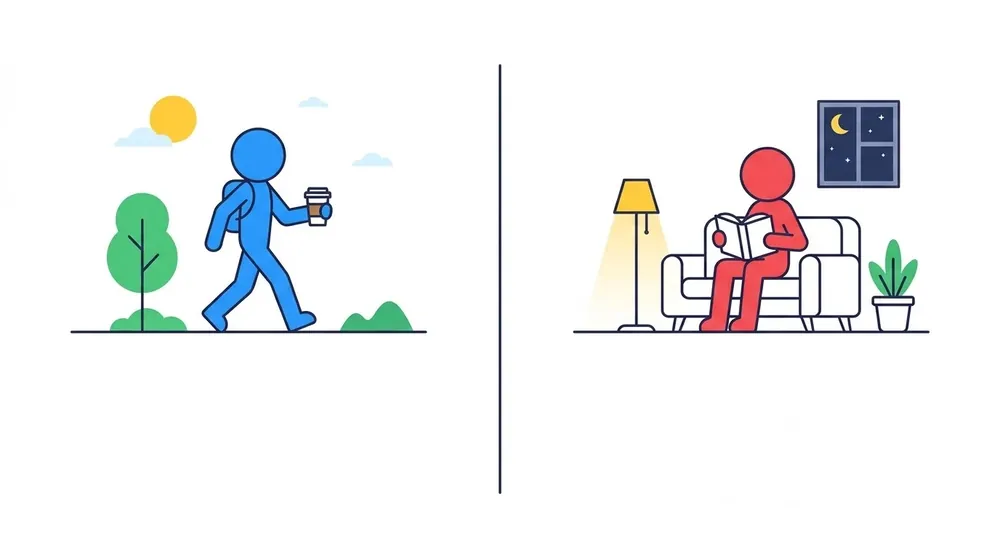 16
Two Chars, One Day
In Version 5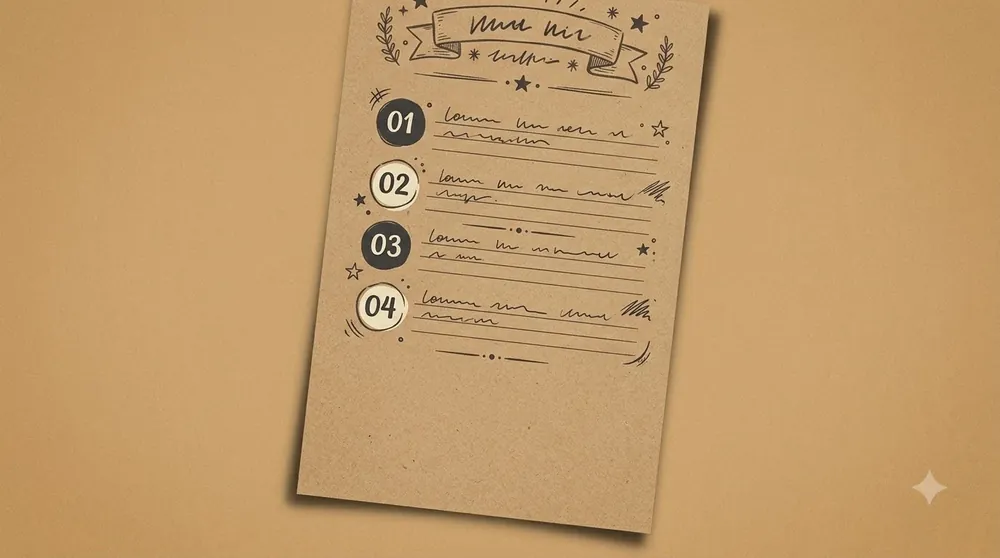 17
Poster Slides Video
In Version 5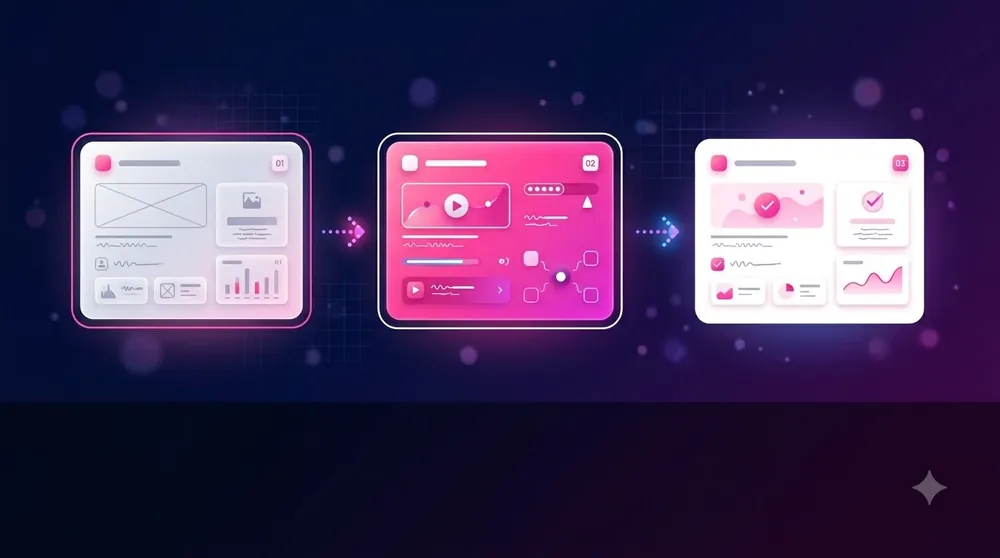 18
Explainer Cards
In Version 5 19
Trading Candles
Next update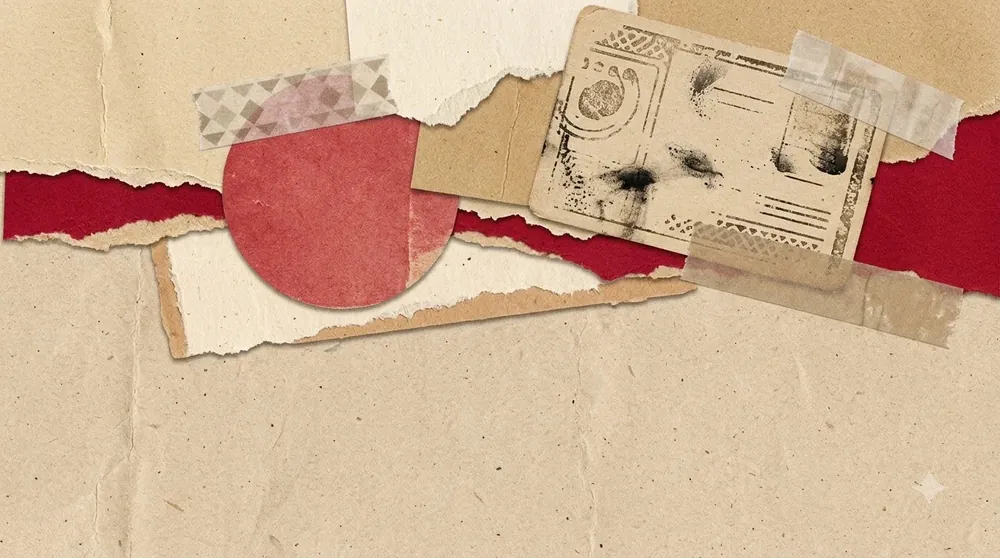 20
Paper Collage
Next update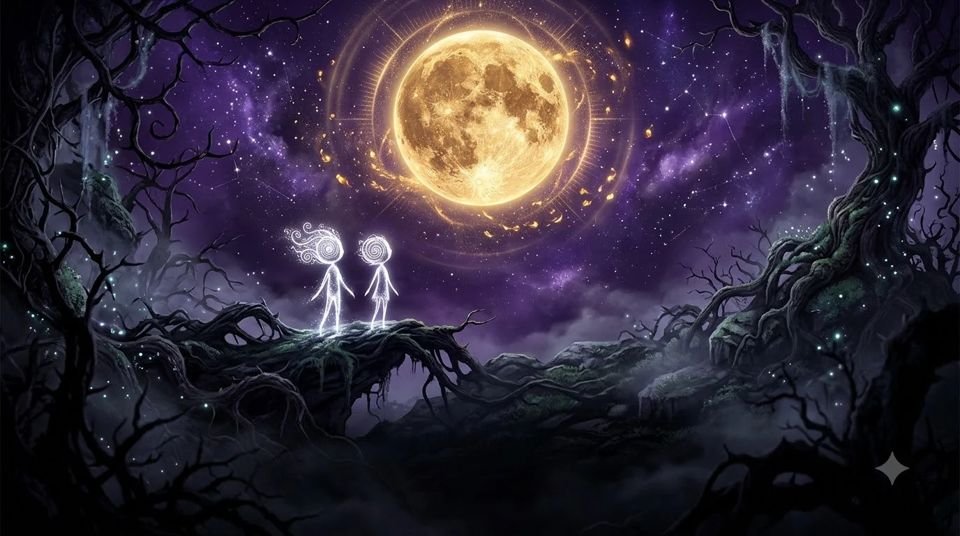 21
Dark Parable
Next update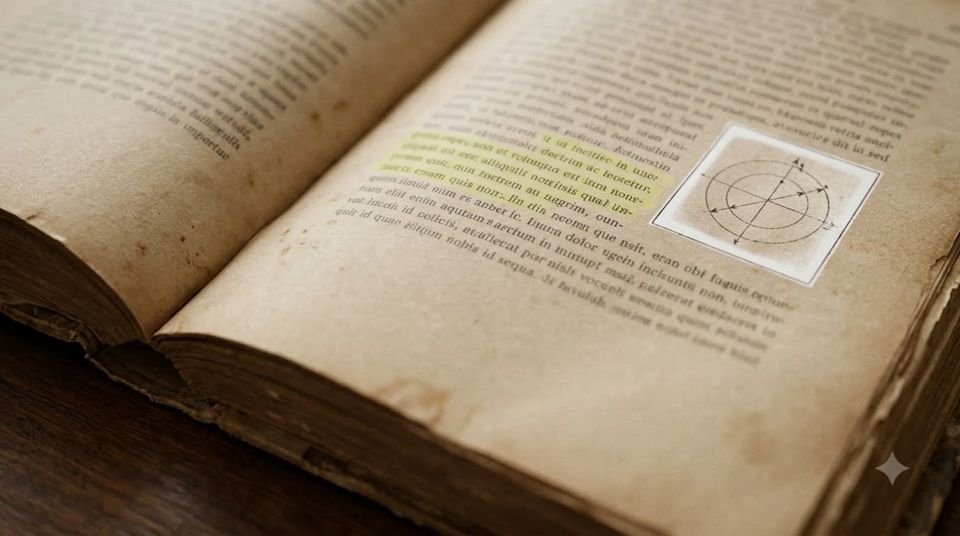 22
Book Page Reader
Next update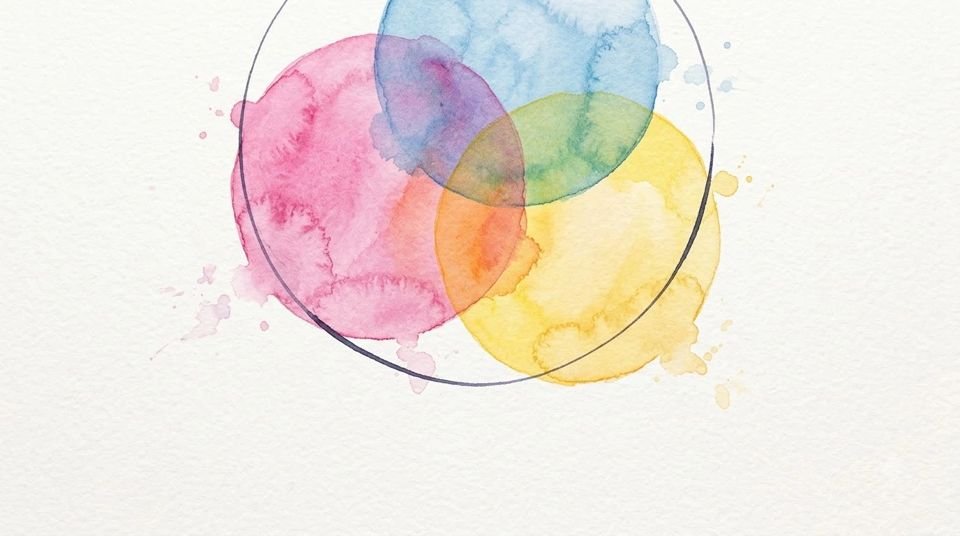 23
Watercolour Reveal
Next update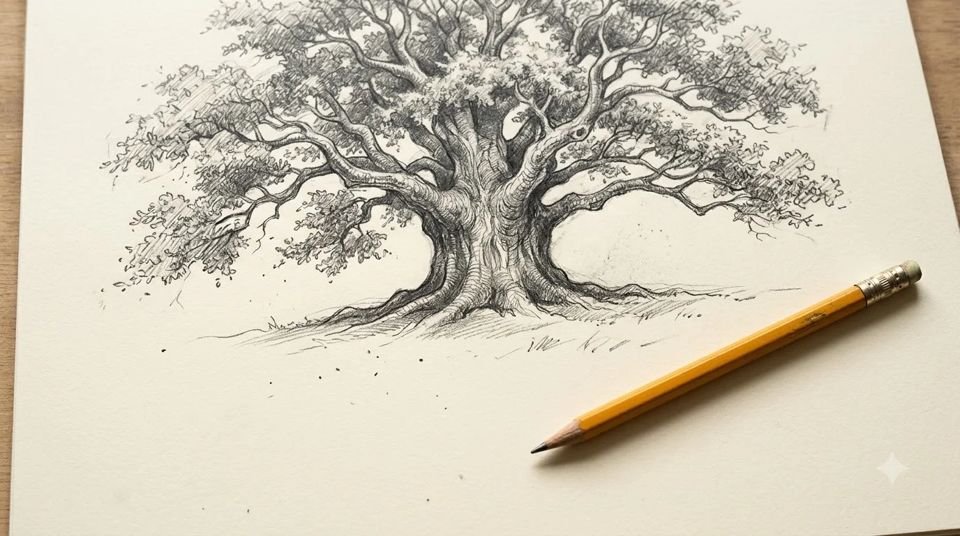 24
Pencil Sketch
Next update 25
Pop-Art Comic
Next update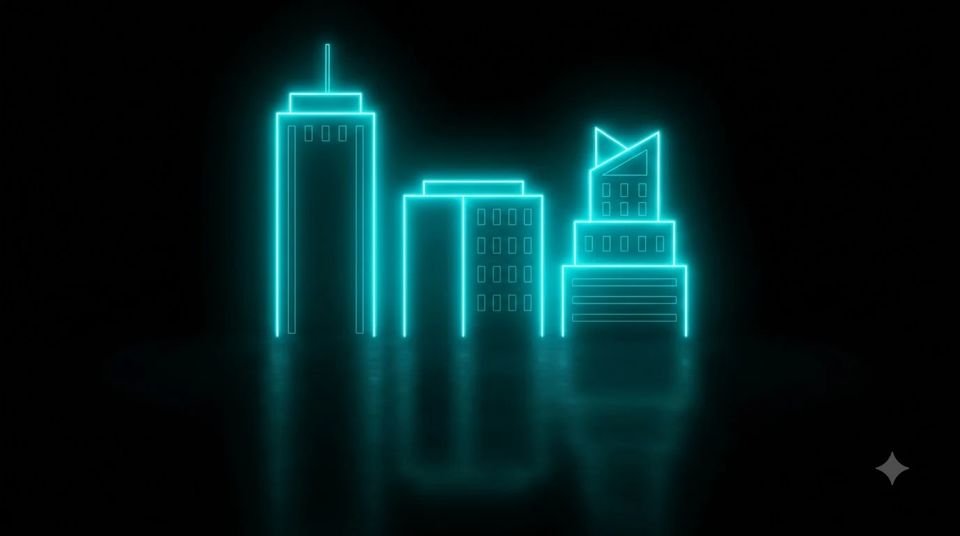 26
Neon Glow Line
Next update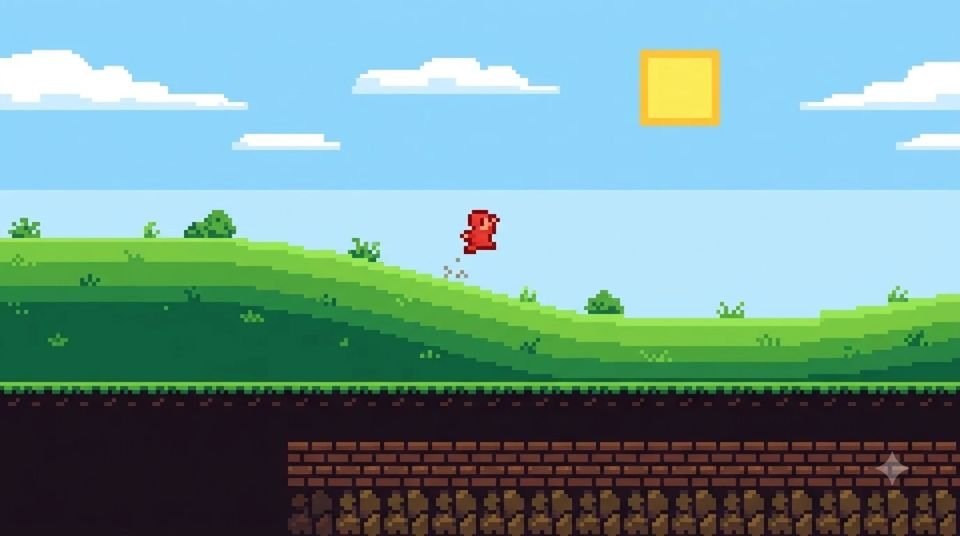 27
Retro Pixel
Next update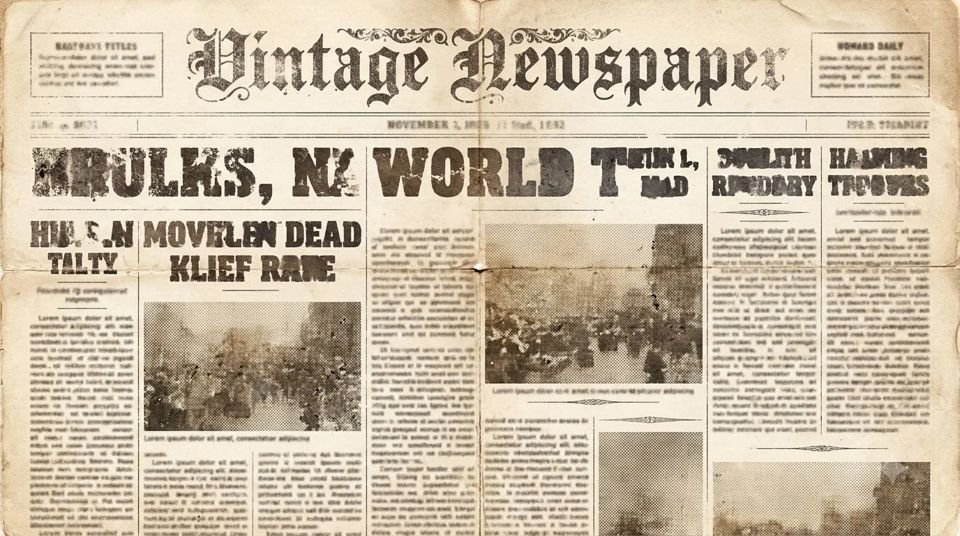 28
Vintage Newspaper
Next update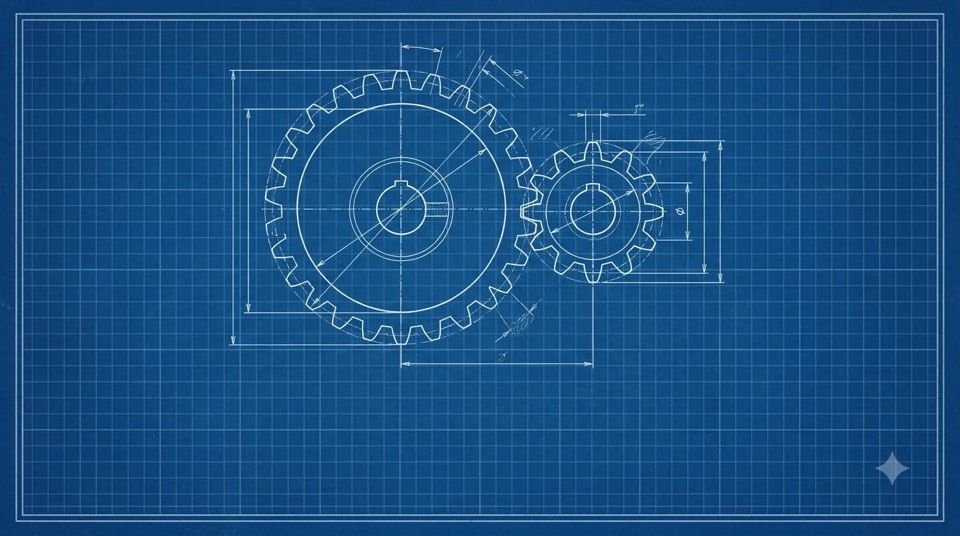 29
Blueprint
Next update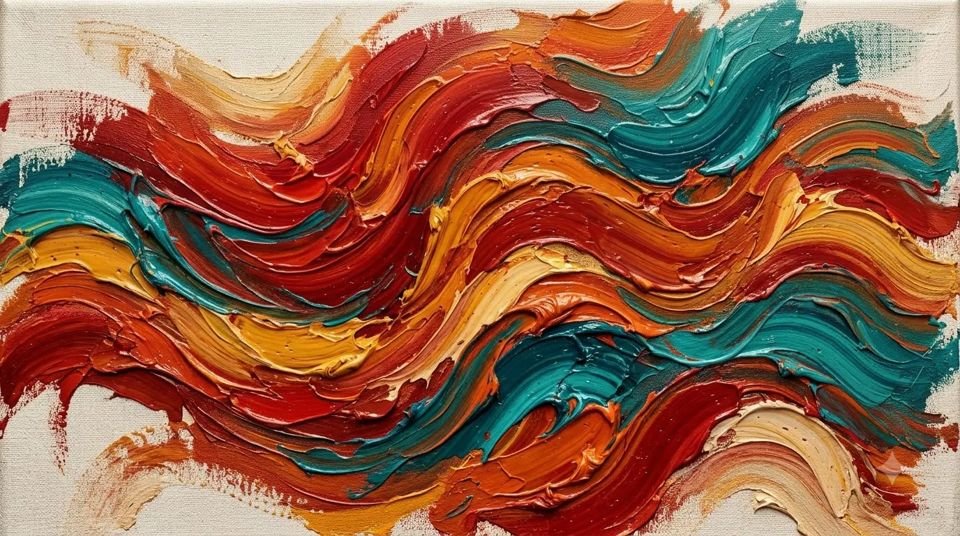 30
Oil Paint Reveal
Next updateMake a movie.
Shoot an ad. No crew.
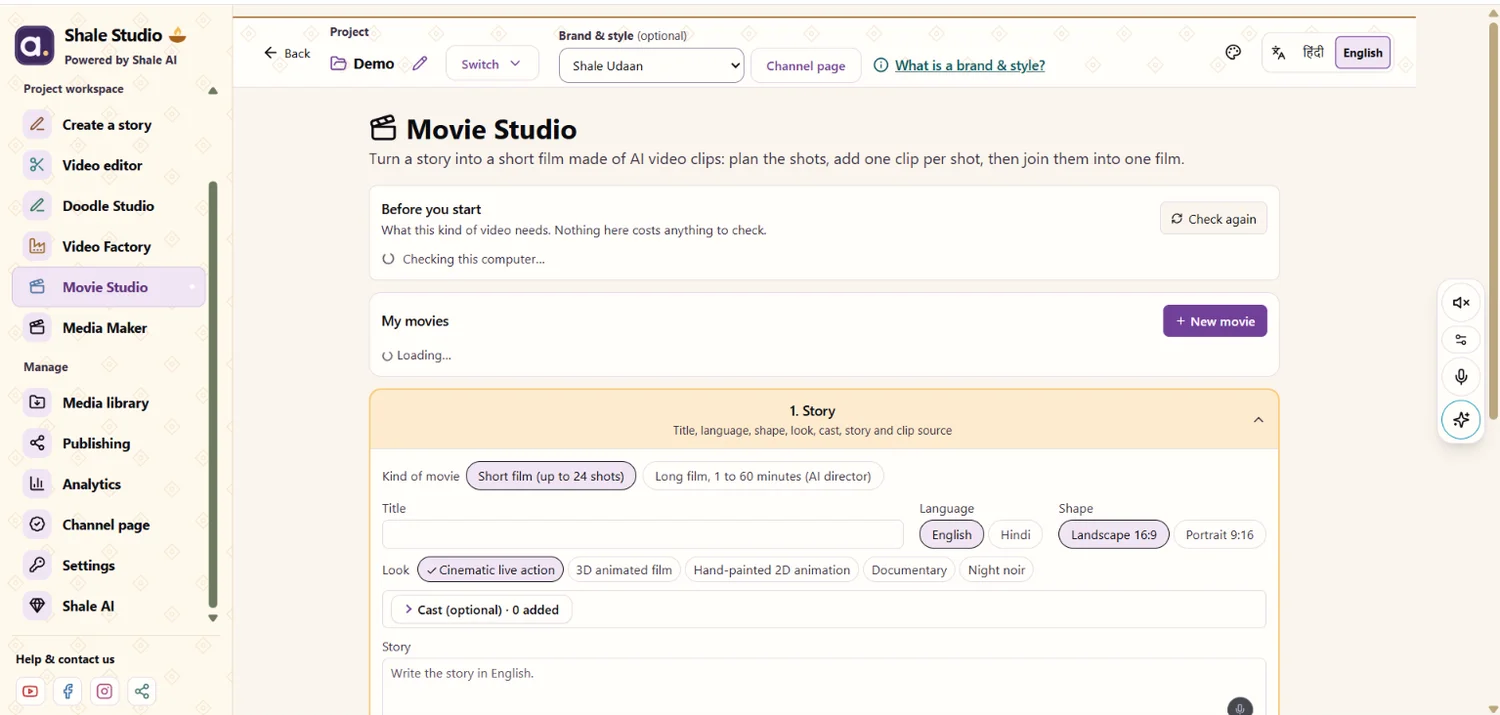
Movie Studio turns a story into a short film, shot by shot. Add yourself to the cast with a photo, change your outfit or background, and pick a look — cinematic live action, 3D animated, hand-painted 2D, documentary or night noir. Clips come from the AI video service you connect. Run a small ad agency from your laptop.
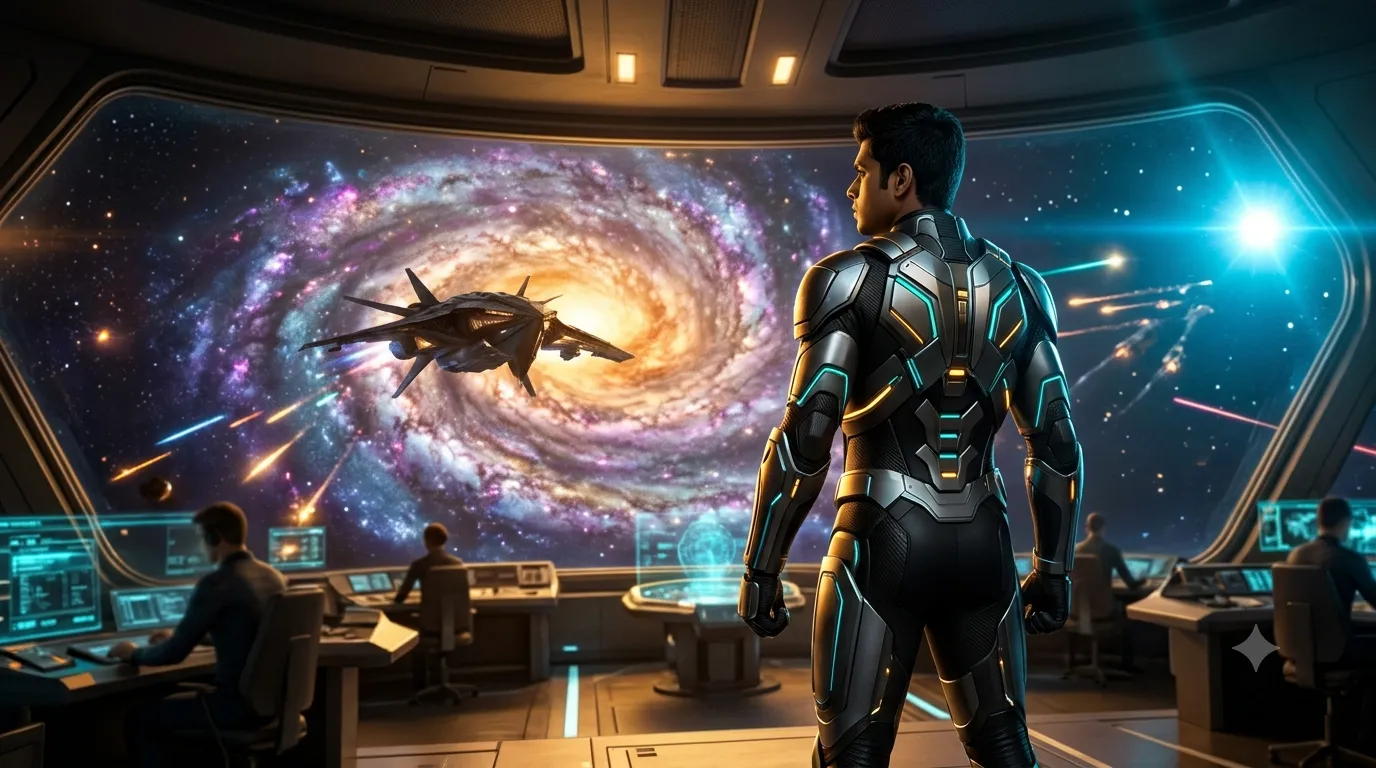
"Take me to a starship battle"

Face the dinosaur
Restaurant promo
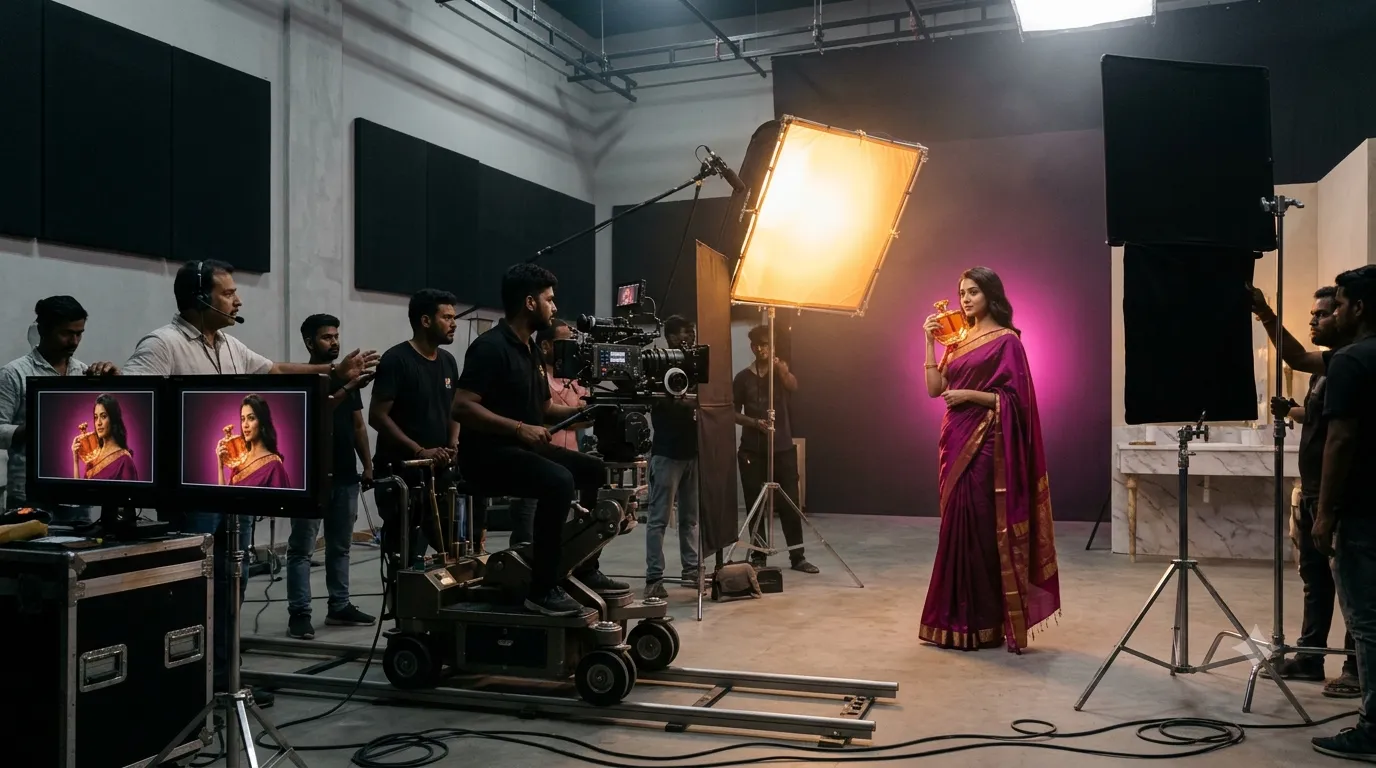
Product commercial
Local business reel

Every scene.
Your control.
Swap a shot, re-voice a line, change the style, fix a caption. Nothing is published until you approve it.
- Shorten pauses and even out volume on raw footage
- Captions in English or Devanagari Hindi
- Thumbnails, titles and descriptions drafted for you
- Cost estimate before every paid AI step
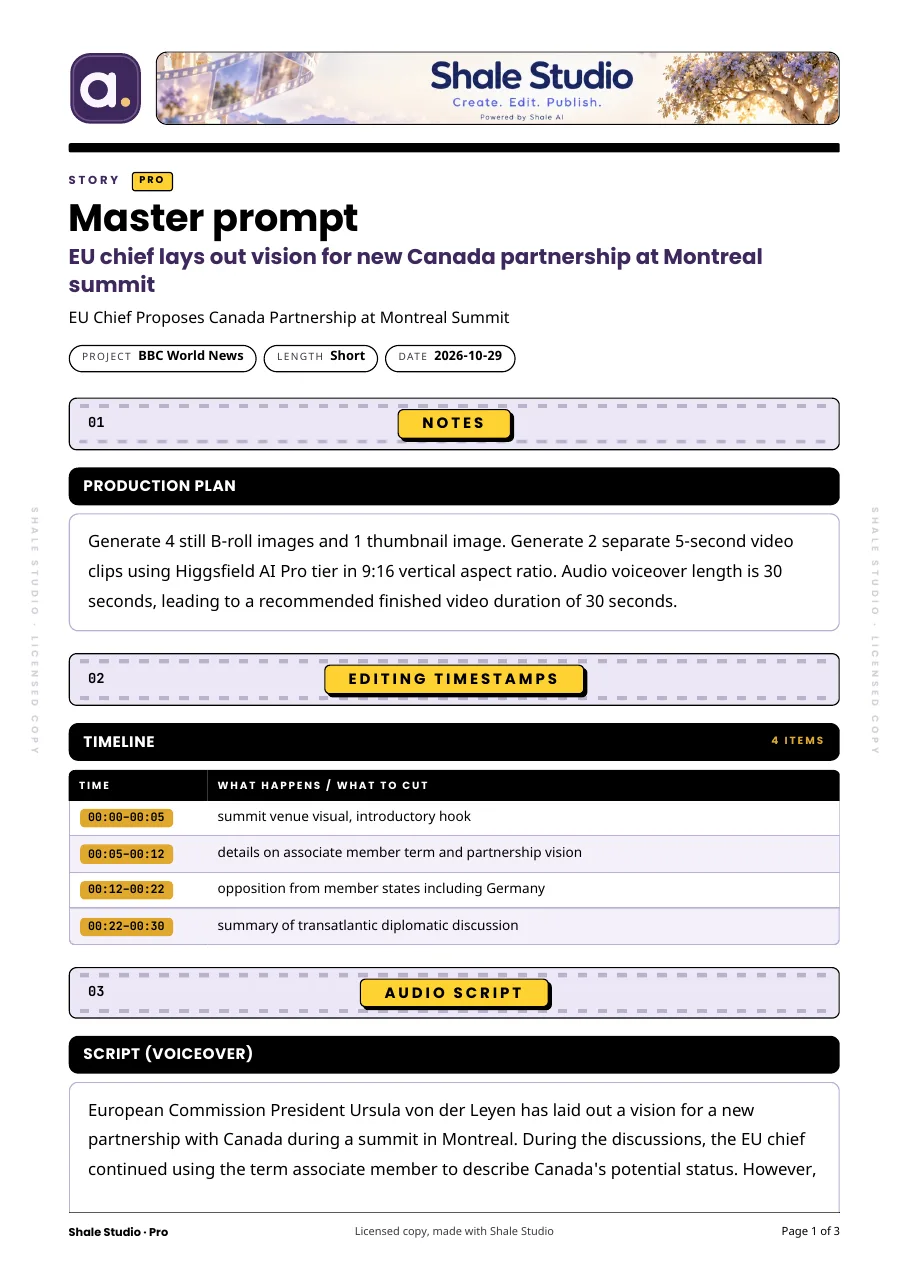
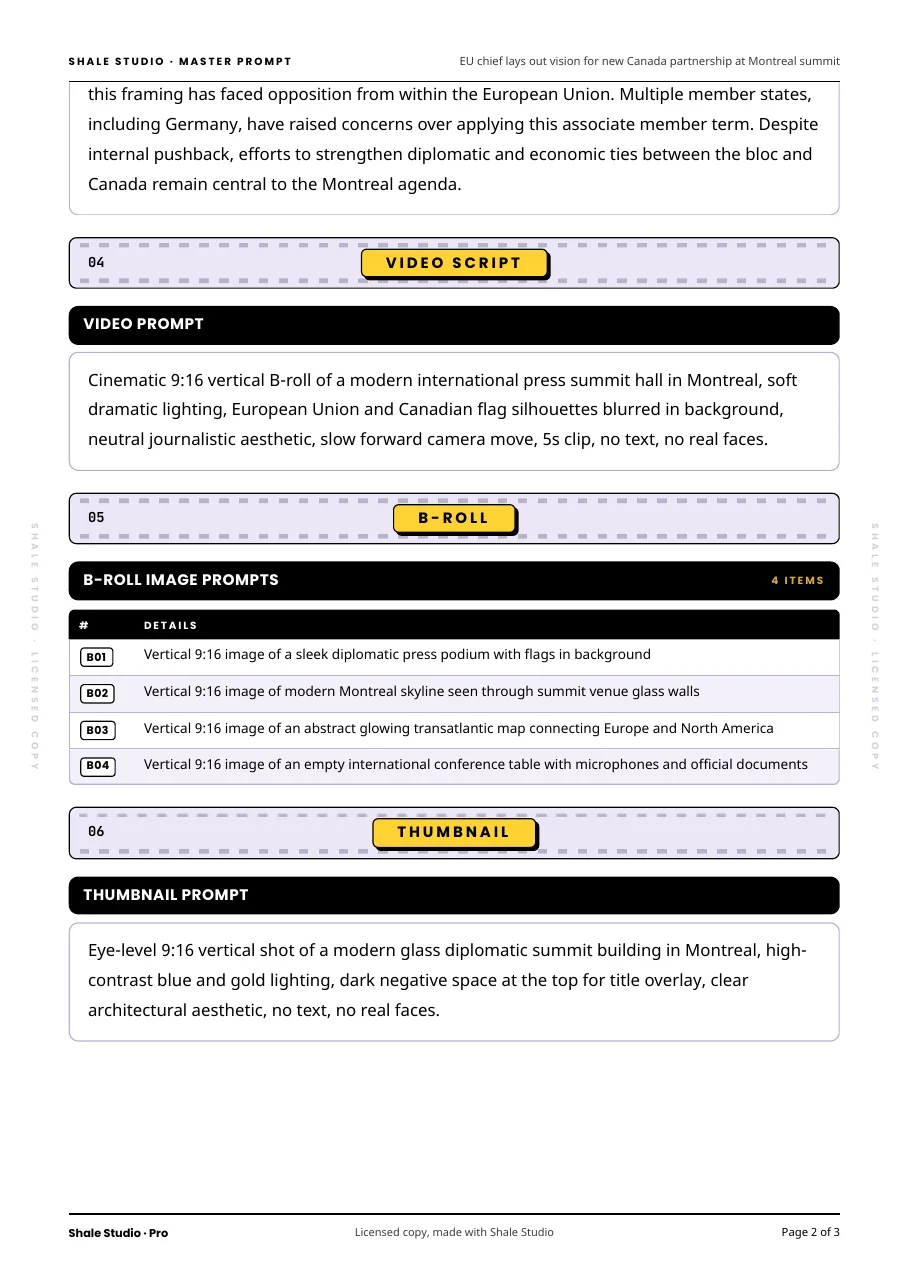
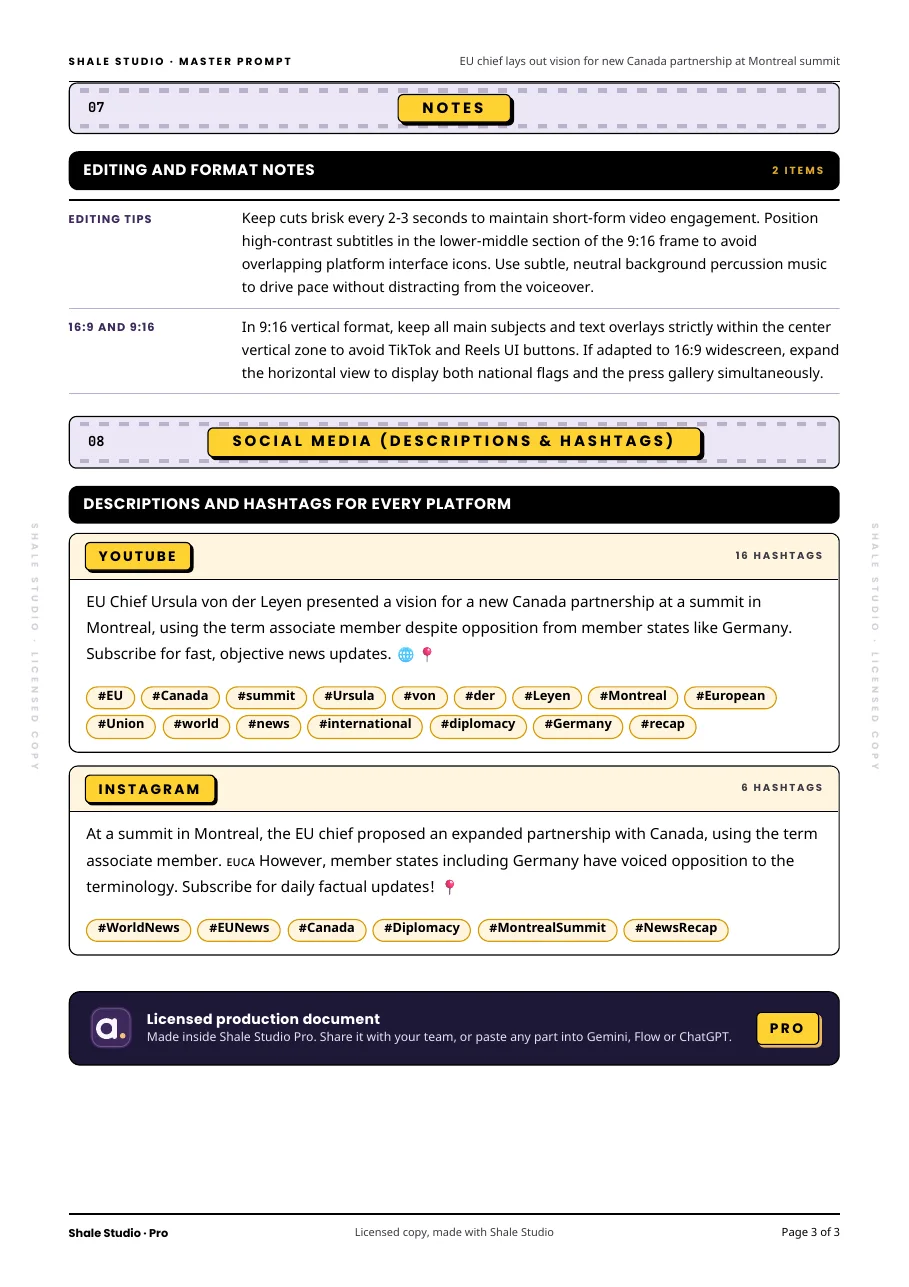
Every video comes
with its master prompt.
After the script and scenes are ready, download one clean production document for the whole video — save it, share it with your team, or paste any part into Gemini, Flow or ChatGPT.
- Production plan and editing timeline
- Voiceover script
- Video prompt, B-roll image prompts and thumbnail prompt
- Editing tips for 9:16 and 16:9
- Ready-to-post descriptions and hashtags for YouTube and Instagram
Built for every creator.
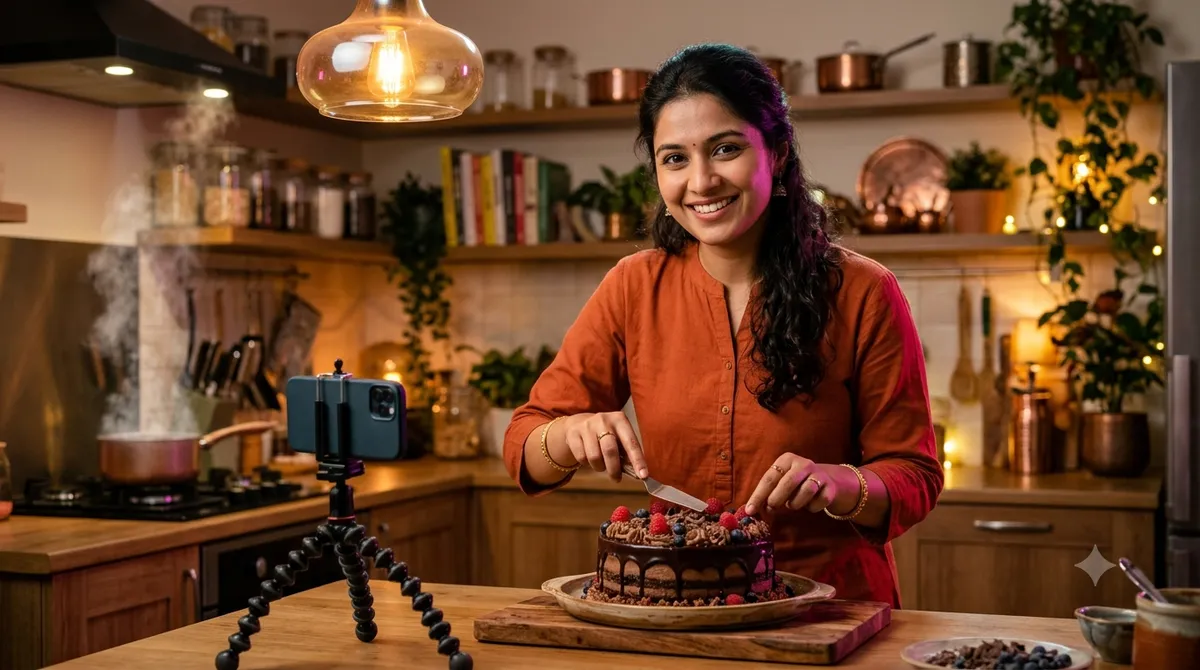
Food creators
Recipe reels and restaurant promos

Beauty & fashion
Tutorials, reviews and product drops
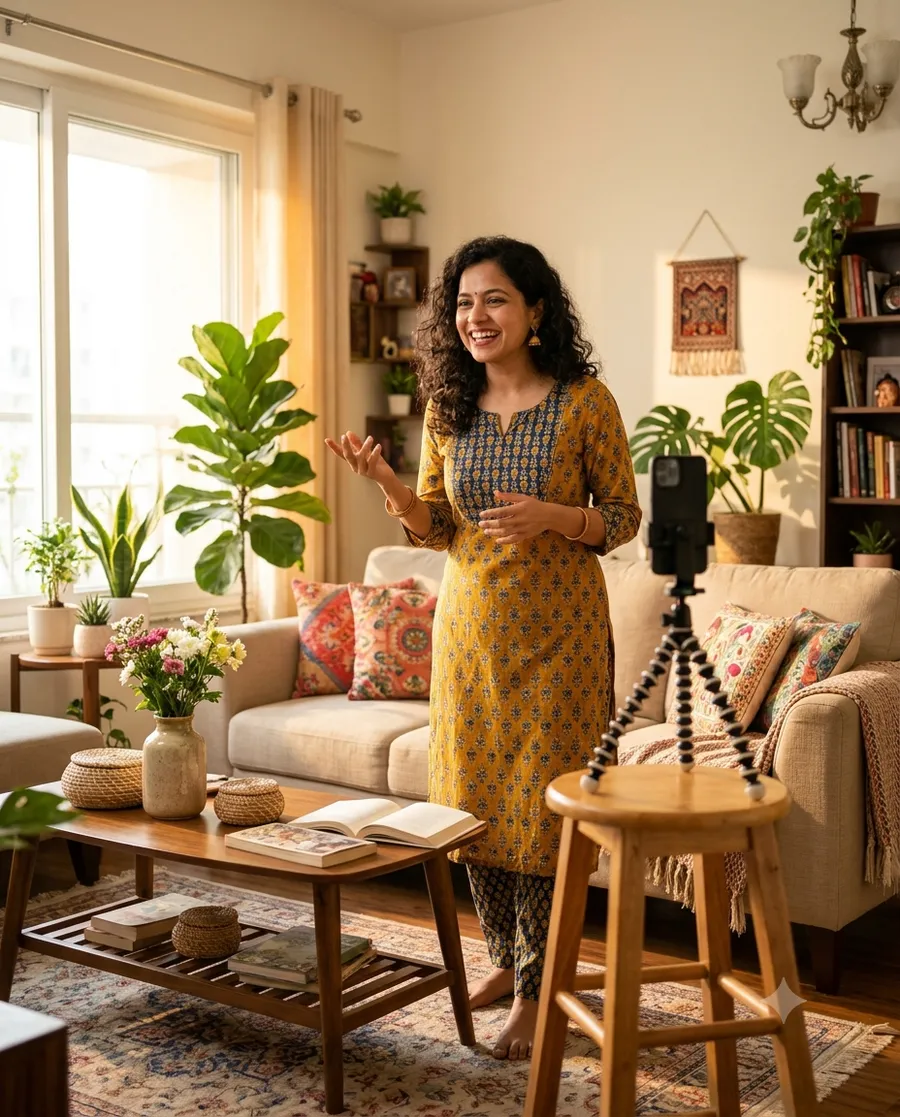
Home & lifestyle
Start a channel from your living room
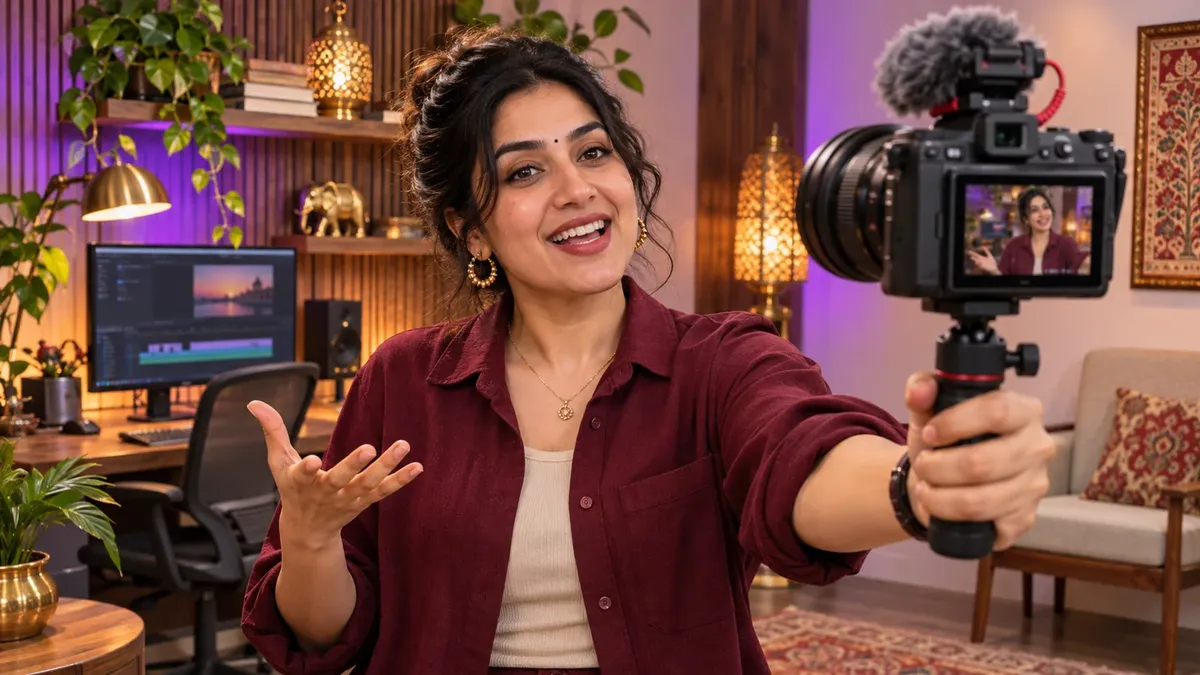
Vloggers & YouTubers
Daily shorts without a crew
Teachers & coaches
Lessons and explainers as videos

Small businesses
Product ads and offers in minutes
Real screens.
Real output.
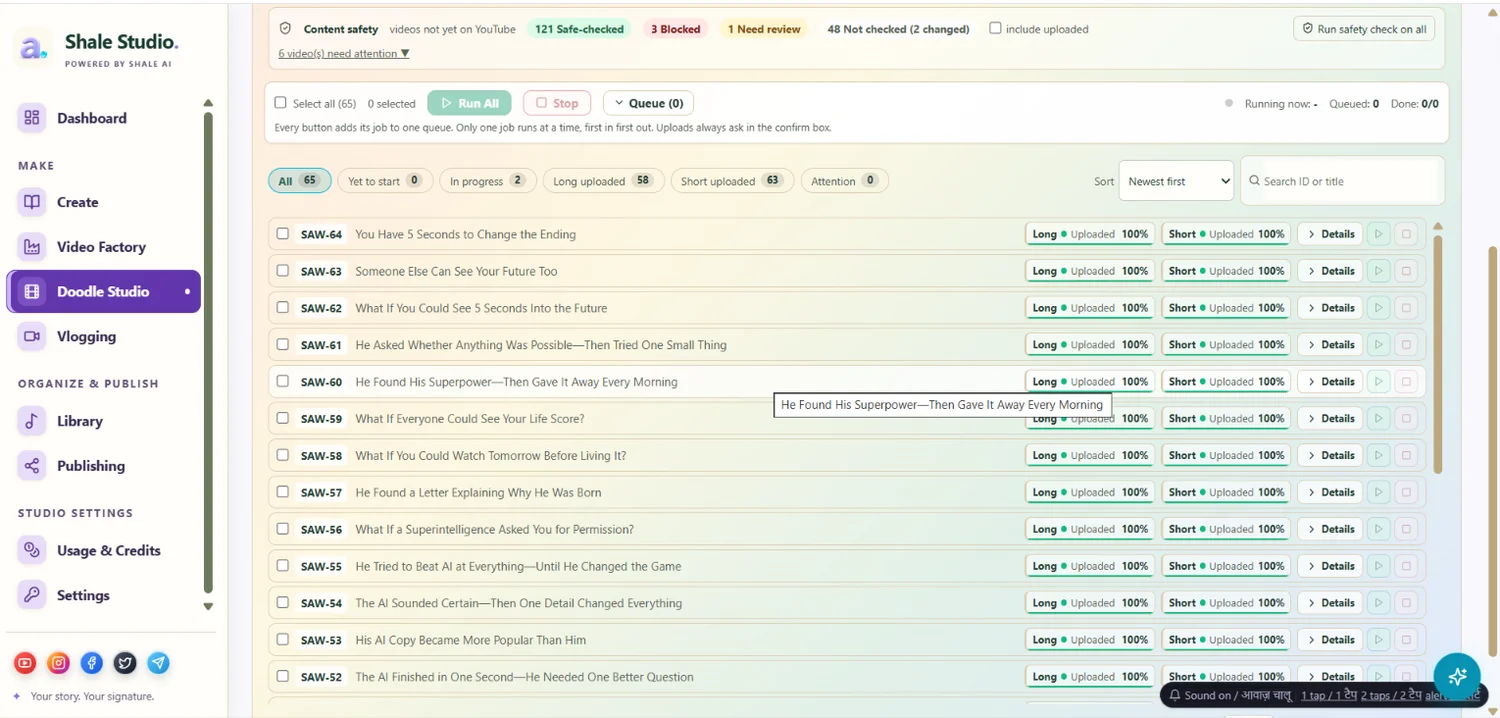
This is Shale Studio on a Windows PC — the same build we use to run our own channels.
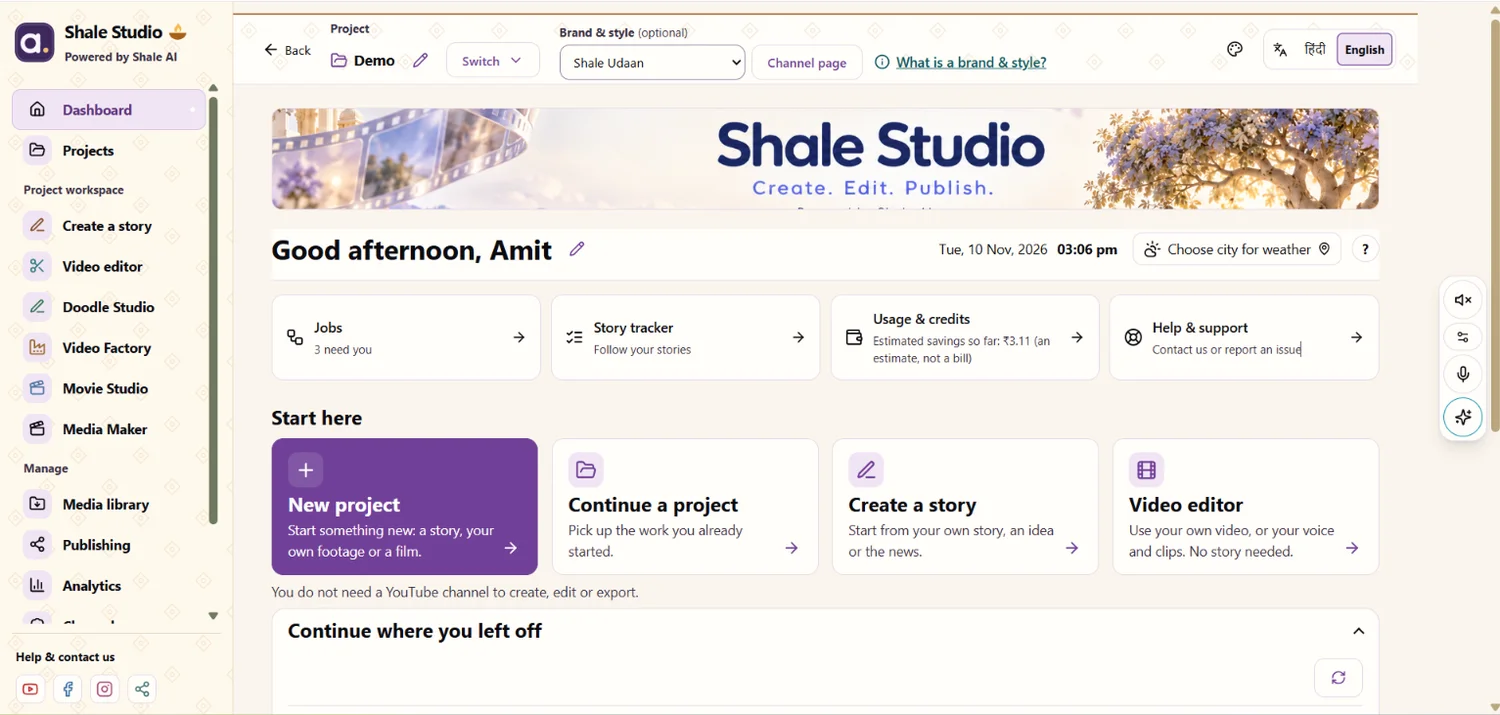
Before you buy
You download Version 3 today. Version 5 is in Preview; once it passes final Windows testing it arrives as a free update.
Shale Studio runs on a Windows 64-bit PC. Mac is coming soon. Open this page on your PC to buy and install. Your licence key arrives by email.
Doodle videos are free to make in Studio. Voice, AI pictures and AI video use your own accounts with those services, and they bill you directly. Studio shows an estimate before any paid step. Shale sells no credits.
One-time payment, lifetime licence for one Windows PC. You get one year of updates. After that the app keeps working, but new updates stop.
Questions before you buy, or trouble with download, activation or payment: WhatsApp +91 84829 82059, the Telegram support bot, or support@shaleaiworld.in.
You can send a refund request within 7 days. Read the refund policy and use the request form on the refund page.
Own the studio.
One-time payment · Launch price for the first 10,000 buyers
- Lifetime licence for one Windows PC
- One year of updates included
- Use your own AI accounts — Shale sells no credits
- English and Hindi
- Licence key and secure download link by email
Secure payment by Razorpay · 7-day refund-request policy · Windows 64-bit · Mac coming soon
Quick answers.
What is Shale AI?
Shale AI is the engine behind our products — Shale Studio, Shale Trader and Shale Captain. Shale Studio is available now for Windows.
Do I need my own AI accounts?
Yes. You connect the AI services you choose (for voice, images and video) and they bill you directly. Shale sells no credits and adds no markup. Doodle styles render on your PC without paid AI video credits.
What does the licence include?
A one-time licence for one Windows 64-bit PC. Keep using the version you bought, with one year of updates included.
How do I get the software after paying?
Your licence key and a secure Windows download link arrive by email after the payment is confirmed. Open Shale Studio, enter the email you bought with and the 26-character activation key — the app remembers your computer after that.
Can I pay in US dollars?
Yes. At checkout choose ₹ INR (India) or US$ USD (international) — international cards are accepted.
Does it work on Mac?
Not yet. Mac is coming soon.
What is the refund policy?
You can request a refund within 7 days under our refund policy. Please read it before you pay.