 Shale Studio
FREE LIVE DEMO · YOUTUBE
See Shale Studio work — live, before you buy.
One idea to a finished video on a Windows PC: script, scene plan, doodle visuals, voice, captions, thumbnail and YouTube upload after your review. Ask your questions in the live chat.
Friday, 4 Dec 20267–8 PM ISTहिंदी session
Friday, 4 Dec 20269–10 PM ISTEnglish session
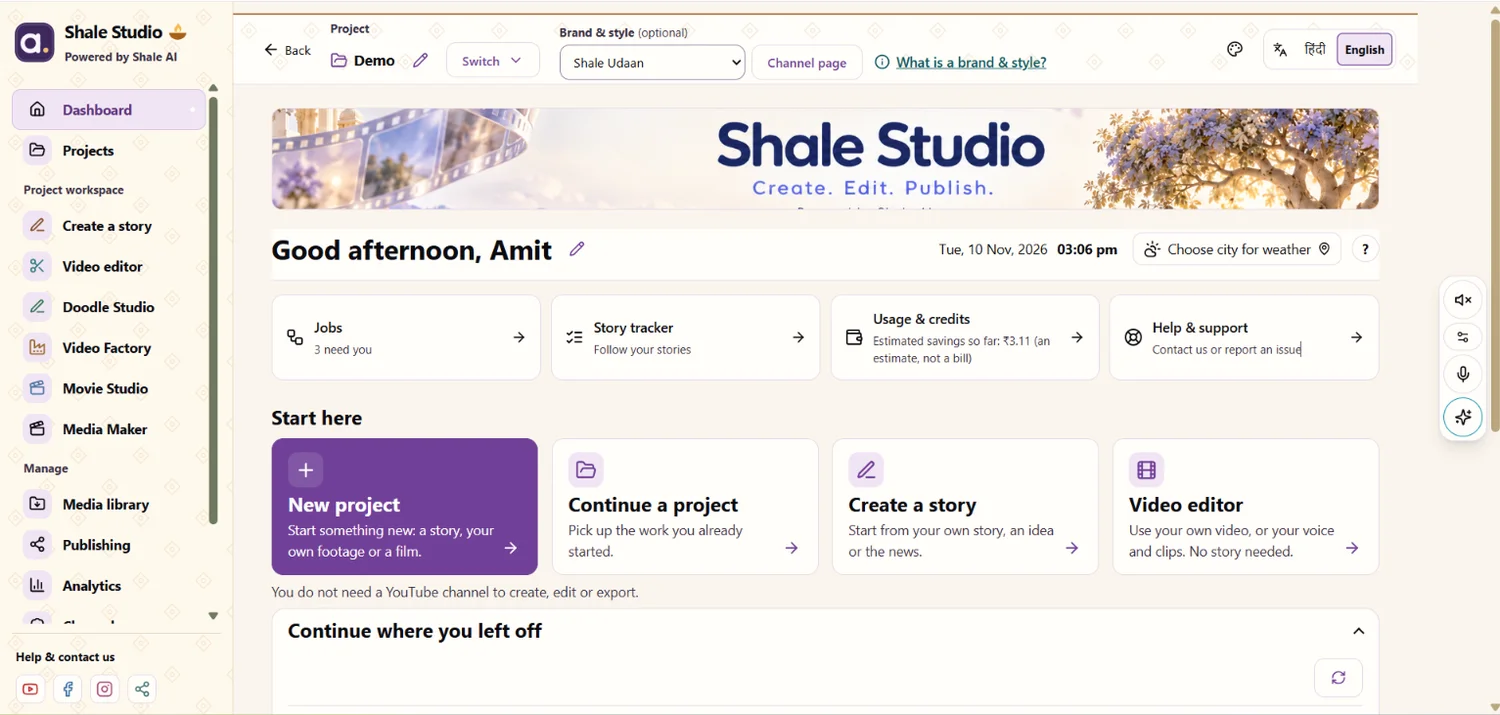
The real app on a Windows PC — the same build we use for our own channels.
Who should join
Thinking of buying?
Watch the whole flow live, see what it can and can't do today, and decide with full information.
Already own Shale Studio?
Join to learn tips, fix setup doubts (AI keys, voices, uploads) and see what's coming next.
What we'll show (about 1 hour)
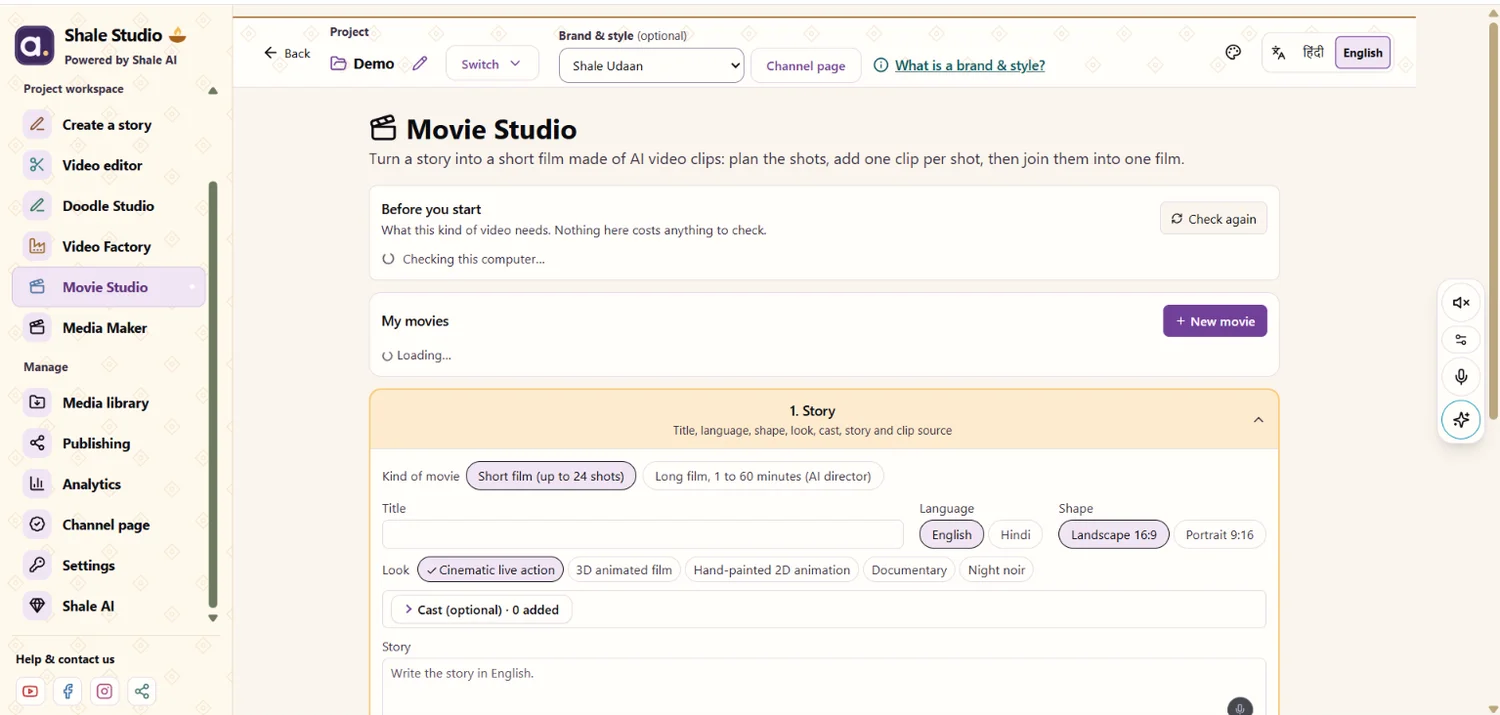
- Type one idea — get the script and scene plan in English or Hindi.
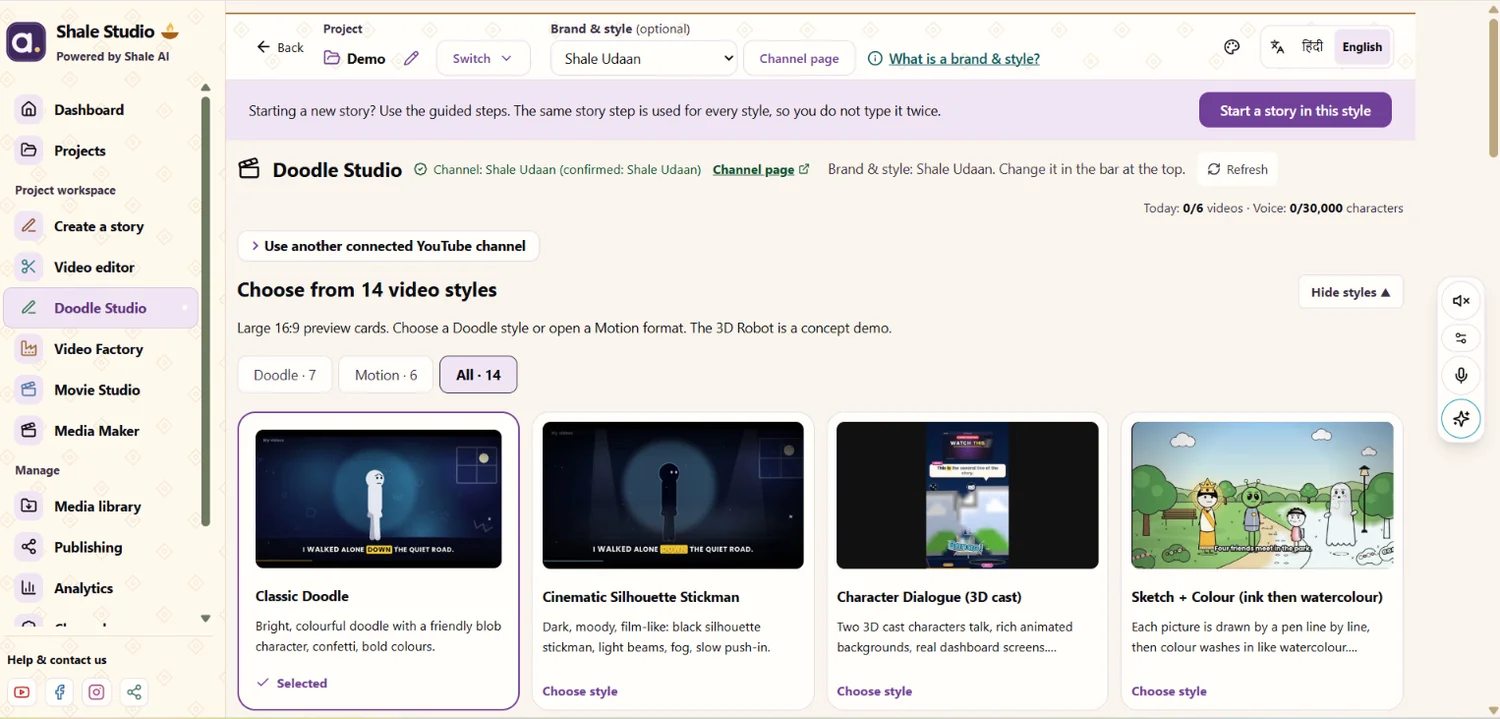
- Pick a doodle look — doodle looks render free on your own PC.
- Add voice, captions and music — AI voice or your own recording.
- Thumbnail and description — drafted for you; you approve everything.
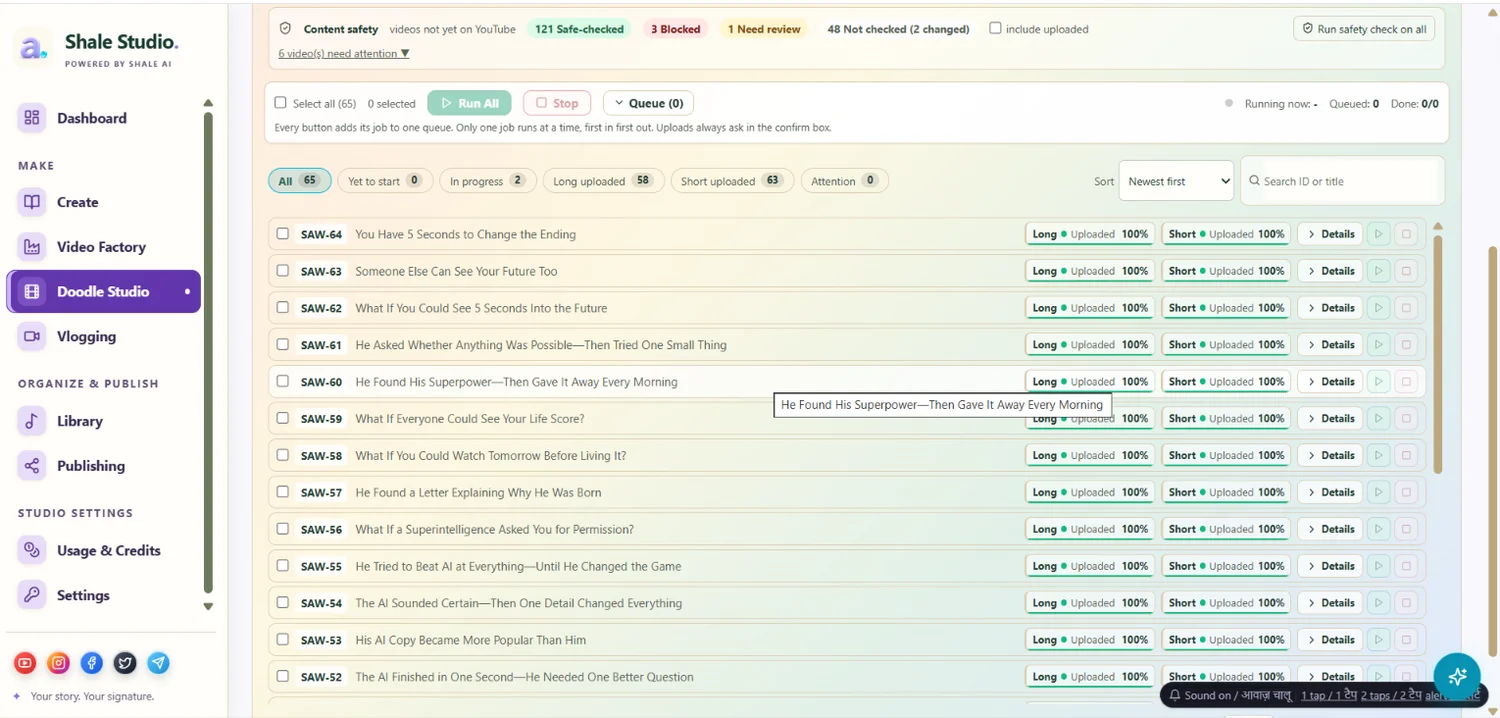
- Upload to YouTube after review — plus how auto posting works.
- Live Q&A — Windows needs, your own AI accounts and their costs, licence and updates.
- Launch offer — how to buy and how the licence key arrives by email.
Inside the app
How to join
1. Subscribe
Open youtube.com/@ShaleAI and subscribe.
2. Tap the bell 🔔
Choose "All" so YouTube tells you when we go live.
3. Join on time
Hindi 7–8 PM, English 9–10 PM IST. The replay stays on the channel.
Launch offer · first 10,000 buyers
₹9,999 ₹24,999 · US$99 US$249
One-time licence for one Windows 64-bit PC · 1 year of updates · use your own AI accounts (AI charges are separate) · 7-day refund-request policy