
AI that works
for you.
Shale AI is a different kind of AI: a creator studio that runs on your own PC. Type an idea and get a script, pictures, voice, captions and a finished video, then review it before anything is posted. Shale Studio, Shale Trader and Shale Captain all run on one engine.
60% OFFShale Studio launch salefirst 10,000 buyersDownload V3 today. Version 5 is a free update with no separate price, after final testing.
A production studio for businesses and individuals.
Shale Studio is a video and image production tool. If you need to show a product, a place, a service or a story, you can use it.
Businesses and organisations
Make promo videos, product showcases, walkthrough-style clips and social posts without a full production crew.
Individuals and creators
Turn an idea into a finished video, in English or Hindi, and publish it on your own channels.
Why should you have it?
Many people open ten websites to make one video: one for the script, one for pictures, one for voice, one for editing, one for posting. Shale AI puts all of it in one studio on your Windows PC.
Starting your content career
Make your first videos without learning an editor. One studio takes you from idea to a posted video, so you spend your time on ideas, not on juggling many websites.
Already creating
Make more videos in the same time. Shale AI writes titles, tags and thumbnails, edits, and prepares posts for the platforms you connect.
A business or organisation
Real estate, interior design, shops, clinics, coaching. Turn photos and site recordings into promo videos, posters and social posts.
Individuals and freelancers
Offer video, poster and social content to clients without building a team.
Connect once
You can use each AI service by itself and move between websites. In Studio you connect your keys one time and work from one place.
Set up in about 30 minutes
The kit includes your API key setup guide and a user manual. The download link comes to your email.
Thank you for choosing Shale AI. Results depend on your content and effort. Shale does not guarantee views, income or growth.
Need something made for your business?
Not everyone uses WhatsApp or Telegram. Send us a form or an email. If you want Studio set up for your company or a special feature built, tell us what you need. The price depends on the features.
Customisation for your brand
For a company or an individual who needs a custom setup or a special feature. Tell us the use and we will quote.
Write to us by email
Prefer email? Write to support@shaleaiworld.in and describe what you need.
What is inside Studio
Pick a button and see that part in full. Everything is in one place.
Sit back. Shale AI edits for you.
No more dragging clips for hours. Shale AI puts the video, voice, music, captions, pictures, effects and transitions on the timeline for you. You watch, adjust and approve.

This is a concept animation that shows the idea. Version 5 is in Preview, so some features are still being finished.
Connect once. Shale AI does the rest.
Connect your own accounts with your own API keys. Shale AI writes the title, description, tags and hashtags, makes the thumbnail, and prepares the post for each platform you connect, including platforms popular in your country. You approve, and Shale AI posts.
Titles, tags and hashtags
Shale AI chooses tags and hashtags to fit each platform, so you do not have to research them.
Thumbnails and captions
Thumbnails, captions and descriptions come from the same story, so they match the video.
Your country, your platforms
Connect the social platforms you use and Shale AI prepares posts for each one.
Checked twice before it goes out.
Shale AI checks the work at two points, so mistakes are caught before they cost you credits or reach your audience.
Check 1 · Before you spend credits
Prompts, scene plan and captions are checked before any paid generation starts.
Check 2 · Before export
Clip, overlap, branding and caption issues are flagged before the video is exported. Studio also checks reused or repetitive content against platform rules before you post.
Quality checks are part of Version 5, which is in Preview. A check that has no data shows "Not checked".
Turn a news story into a finished video.
Pick a news story. Shale AI rewrites it in your own words, makes the script, pictures, voice and a news-style look, then edits it. Use real, checked stories and add your own angle.
A news-video look, made in Studio
This frame is a sample of the news style. The headline and captions come from your own story. Newspaper-page looks are in Studio too.

Put yourself in
a blockbuster.
Add your photo, write one line — "take me to a starship in a galaxy battle" — and Movie Studio plans the shots, makes the clips with the AI video service you connect, and joins them into one film.
See cinematic & ads →Same idea, many looks.
Pick a look and Shale AI makes the whole video in that style. These are real clips made with Shale Studio.
Classic doodle
Simple, clean characters on a night city.
Noir silhouette
A cinematic, moody look for dramatic stories.
Stickman on parchment
Hand-drawn feel with Hindi captions.
3D cartoon
A colourful vertical look for Shorts and Reels.
Take the producer's chair.
Story, script, pictures, voice, video and posting: a whole production house inside your PC. You make the decisions. Studio does the work.
A whole production house, in one app.
From a news story to a finished, captioned video, then posting, replies and analytics. Version 5 is a free update for Shale Studio buyers and is in Preview until final Windows testing is done.
News to finished video
Pick a news story and Studio carries it through script, pictures, voice and captions. You approve before anything is posted.
Cinematic and movie looks
30 video looks, from doodle to cinematic, so a story can look like a short film.
AI editing and captions
20 caption styles, one-line fixes and a simple editor, all inside the same studio.
Your own voice
Make a voice from your own recording. A consent step stops anyone cloning someone else.
Noise reduction
Presets for phone mic, laptop mic, echo room and fan hum. It reduces echo and hum; it cannot remove all noise.
Reply bots and bots board
Bots can answer comments and chats while you test safely. One button pauses every bot at once.
Analytics
See how your posts are doing in one place, then decide what to make next.
AI posting with approval
Publish to your own channels after you review. Nothing goes out without your approval.
Trend hunters (planned)
Bots that watch what is trending on your topic and suggest ideas for your own original videos.
Results depend on your content and effort. Shale does not guarantee views, income or growth.
Every frame here
was made with AI.
Food reels, kids' stories, doodle explainers, product ads — one studio, any style.



Shale Studio in numbers
Watch our channels
 Dhandha Scope
 Shale Udaan
 Shale AI World
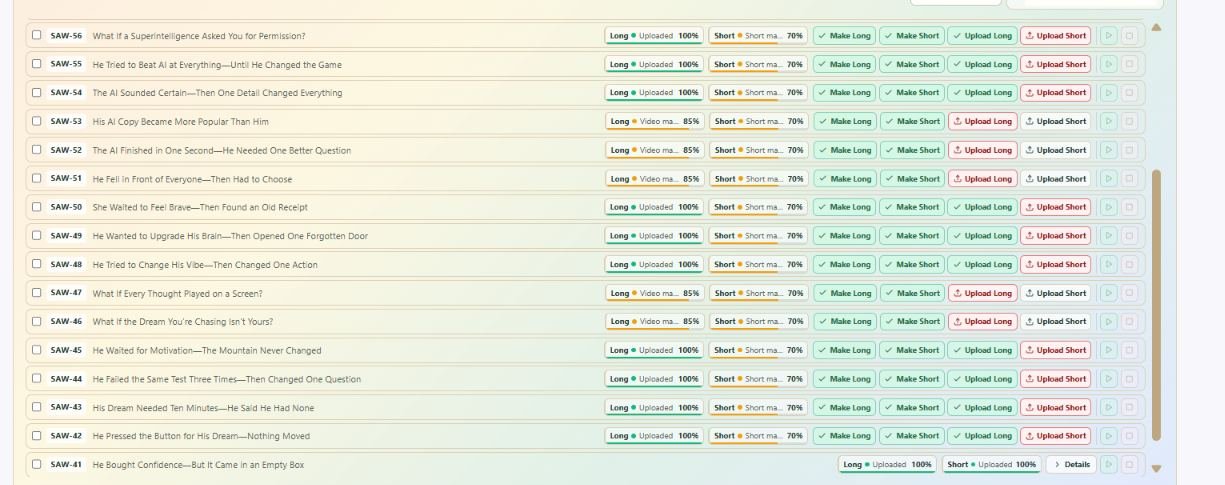
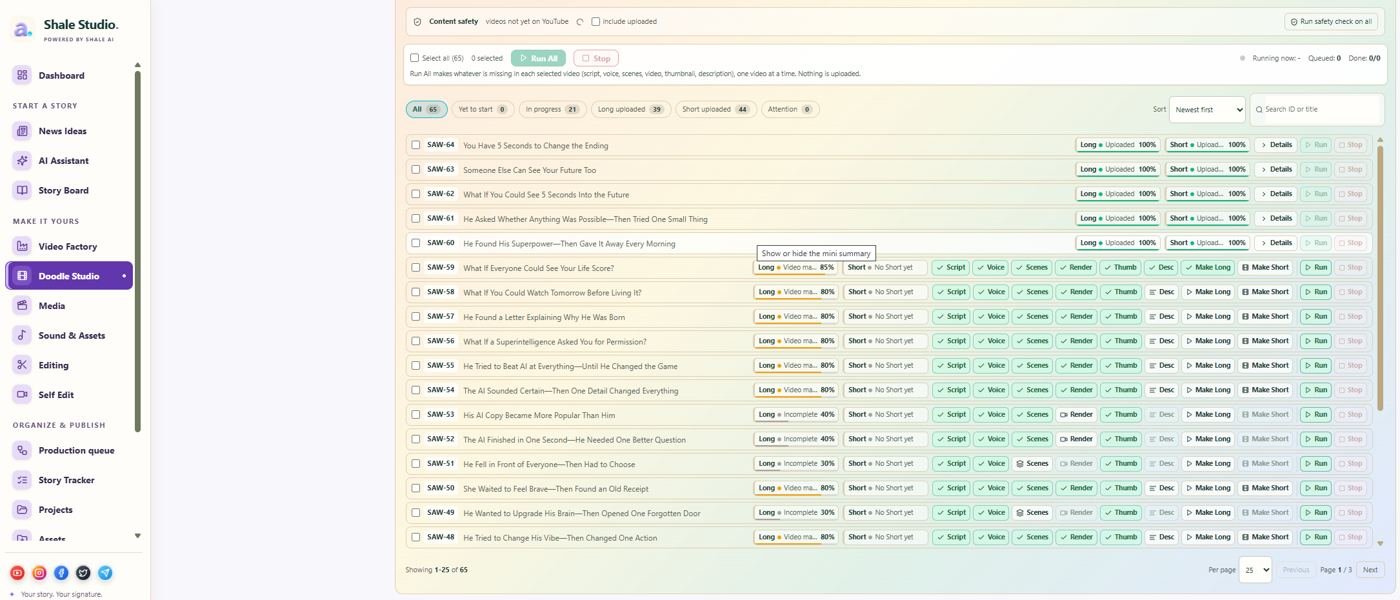
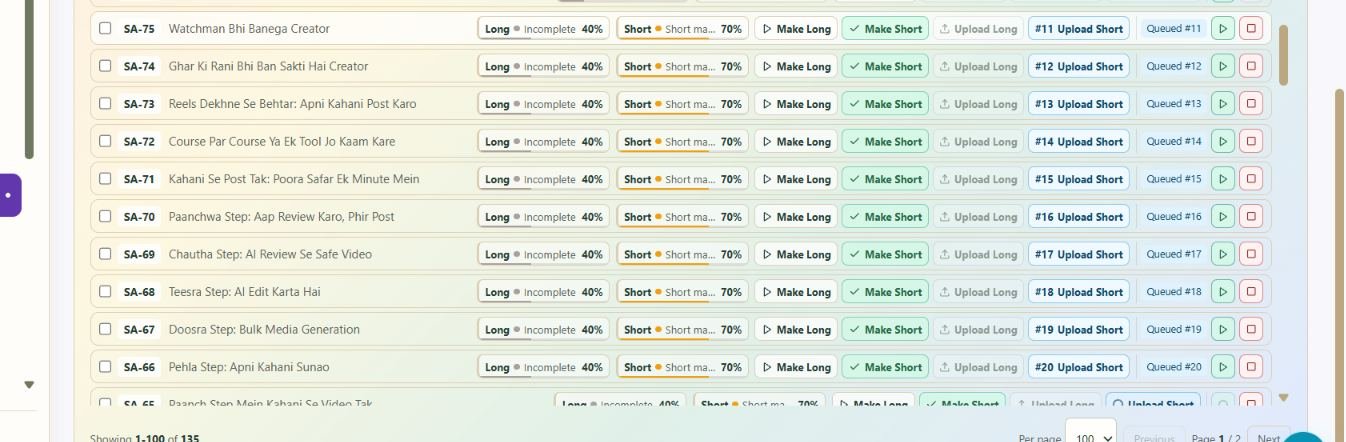
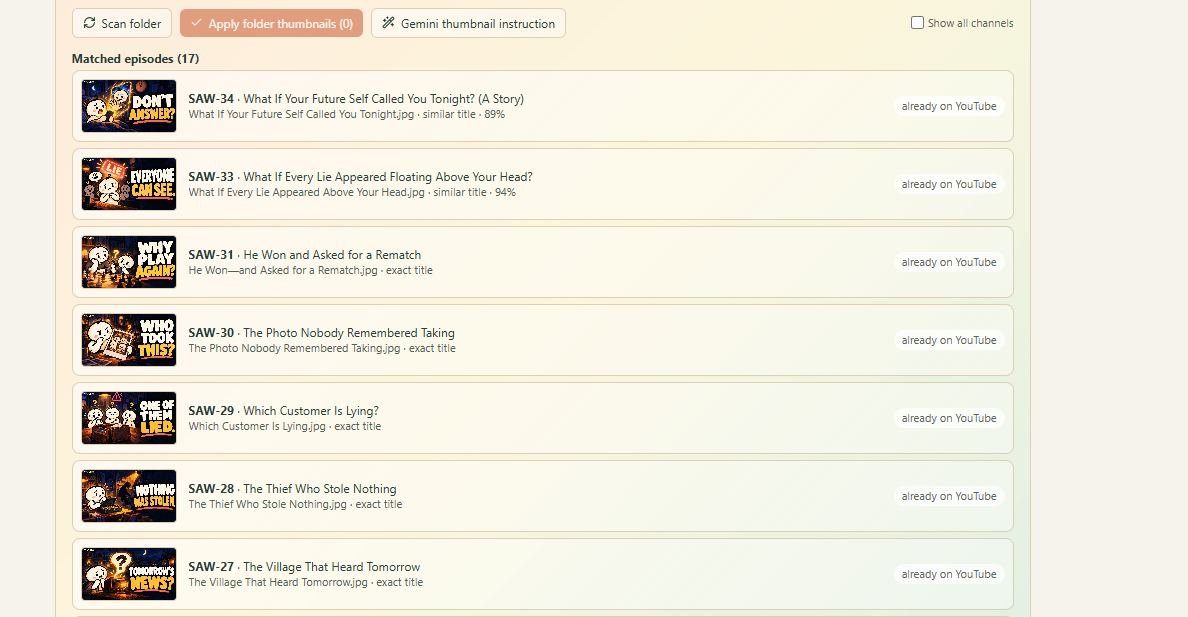
On every platform, all made by AI.
Every post, video and picture on our accounts is made and posted by Shale AI. Open any account and see how it really works. The full details are on this site.
One Shale AI.
A whole ecosystem.
Shale Studio
Idea → script → AI visuals → voice → finished video. Publish after your review.
Explore Studio →
Shale Trader
Crypto and gold, explained and watched. Education only — not investment advice.

Shale Captain
Your everyday AI helper: wishes, replies, planners and trackers.
Shale AI is built on AI.
AI is no longer just chat. It writes, draws, speaks, makes video and can operate software tools. Shale Studio connects them in one place and builds a whole video for you. You connect your own accounts, so you stay in control.
Connect your own AI in four simple steps.
MCP (Model Context Protocol) is an open standard that lets AI assistants connect to outside tools and data. That is where AI is heading: not just chat, but AI that operates tools. Every service has its own rules and price, so that service bills you directly and Shale sells no credits.
Know which AI to connect, and what it costs.
Studio works with AI services for chat, pictures, video, voice and music. You use your own accounts, so each provider bills you directly. We put their published prices side by side, with video cost per second, which models include sound, and where to get an API key.
Coloured squares are simple badges, not official logos. Names belong to their owners.
Version 5 is coming. Free update.
Your questions, straight answers.
Which computers does Shale Studio run on?
Shale Studio is Windows 64-bit software. A Mac version is coming soon.
What will I pay after I buy?
The licence is a one-time payment. Doodle videos are free to make. Voice, AI pictures and AI video use your own accounts with those services, and they bill you directly. Studio shows an estimate before any paid step. Shale sells no credits.
What is the difference between Version 3 and Version 5?
Version 3 is the version you can download and use today. Version 5 is in Preview and arrives after final Windows testing. If you buy today, Version 5 is a free update.
How long do I get updates?
You get a lifetime licence for one Windows PC and one year of updates. After that the app keeps working, but new updates stop.
Will Studio post my videos without asking me?
No. You review every video first. Nothing is published until you approve it.
Can I get a refund?
You can send a refund request within 7 days. The policy and the request form are on the refund page.
What languages does it support?
Studio works in English and Hindi.
Where can I get help?
Message us on WhatsApp Business at +91 84829 82059, on the Telegram support bot, or email support@shaleaiworld.in.
Whatever you need, start here.
Own the studio.
One-time payment · Launch price for the first 10,000 buyers
- Lifetime licence for one Windows PC
- One year of updates included
- Use your own AI accounts — Shale sells no credits
- English and Hindi
- Licence key and secure download link by email
Secure payment by Razorpay · 7-day refund-request policy · Windows 64-bit · Mac coming soon